GAVIN-6C Instruction Manual
- 23 -
EPA: EPA (end point adjustment) is used to adjust the end point. The larger
the value is, the larger the servo travel is when move the stick. Values: 0~100.
The default is 100.
EXP: It is used to set the exponent of the curve. Offer a servo travel that is not
directly proportional to the stick travel. The control response is milder below
half-stick, but becomes increasing stronger as stick travel approaches 100%.
The larger the value is, the milder below half-stick. Values: 0~50. The default
is 0. When the value is set to 0, the servo travel is proportional to the stick
travel.
LEVEL: It is used to move up or down the curve.
RESET: It is used to set the curve to initial value.
1~9: It is used to set the value of a specific point. The servo position can be
set independently for a maximum of 9 point positions.
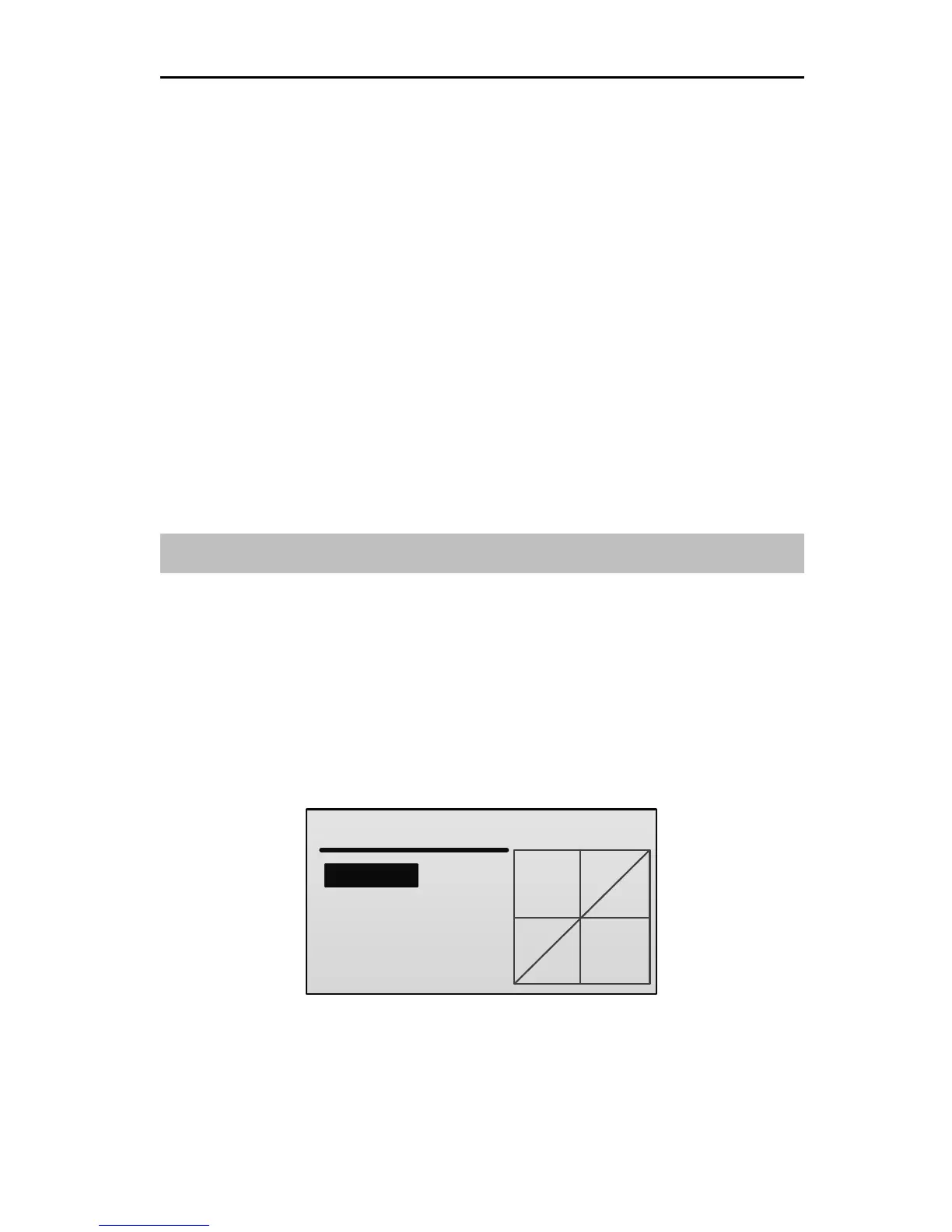
Throttle Curve [THR Curve]
This function is used to adjust throttle servo operation in response to throttle stick
operation. The servo position can be set independently for a maximum of 9 point
positions.
For airplane / multicopter
In the Model Parameter menu, press UP or DOWN key to select THR Curve,
and then press ENT key to enter the NORM THR Curve setting interface.



 To Next Page