GAVIN-6C Instruction Manual
- 10 -
ENT: enter key, press this key to enter the sub-menu or to confirm the
setting.
R/+: press this key to choose the value upward.
L/+: press this key to choose the value downward.
LCD
You can get the current status from the main screen, and set the parameters
from the function menu.
Simulator / Trainer Connector
It can be used as a simulator or trainer connector.
When it is used as a simulator connector, connect the transmitter and
computer with a dedicated control cable, and then carry out a simulated
flight on computer. In order to use this function, you need to equip with a
flight simulator and the matched attachment.
When it is used as a trainer connector, connect the instructor and student
transmitter with an optional trainer cable, and then a skilled instructor can
teach a student with flying skills.
USB interface
With a USB interface, it is easy to upgrade the transmitter firmware to the
latest program.
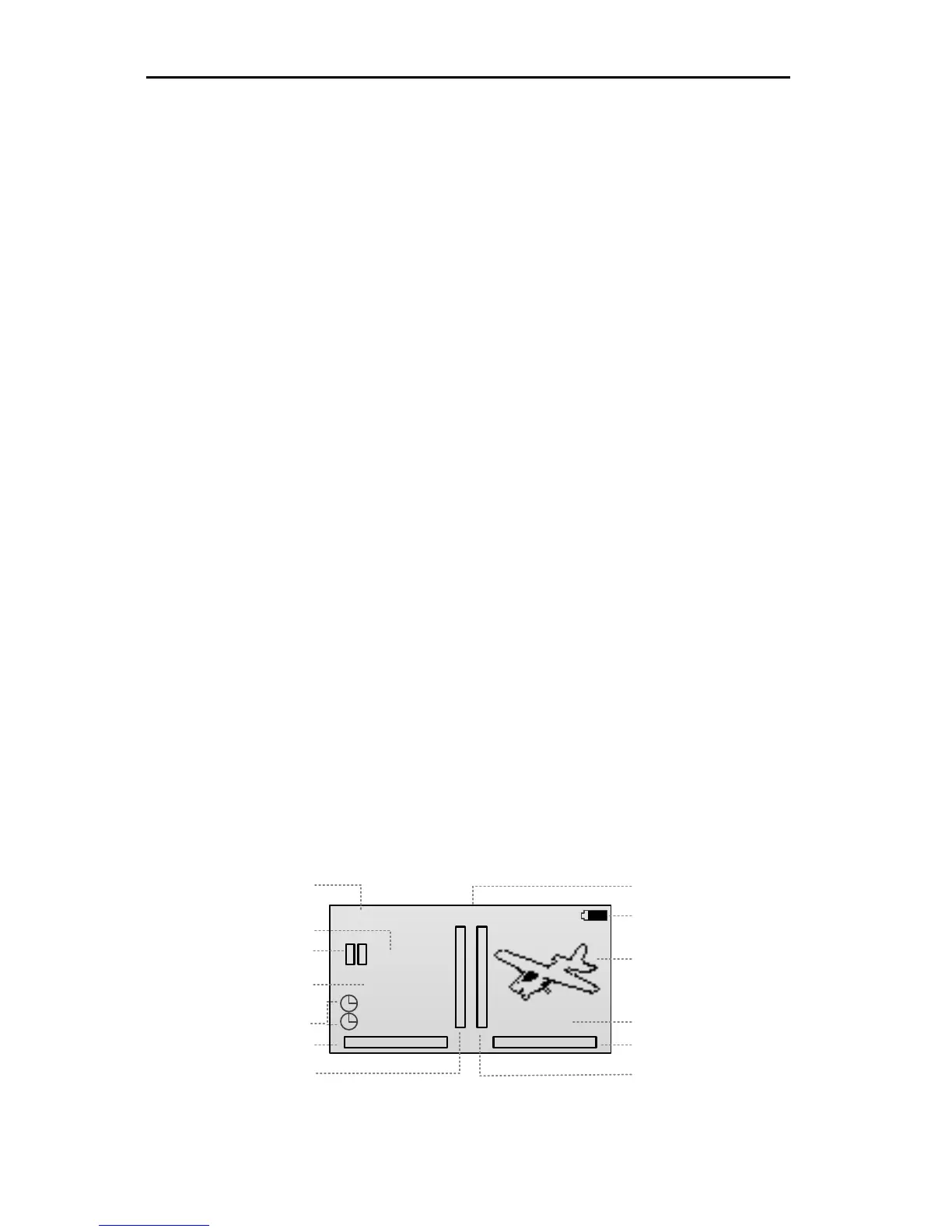
Main Screen
As shown in the figure, it is the main screen of the transmitter.



 To Next Page