EasyManua.ls Logo

DETRUM GAVIN-6C - Channel Monitor

DETRUM GAVIN-6C
55 pages
Print Icon
To Next Page IconTo Next Page
To Previous Page IconTo Previous Page
Loading...
- 38 -
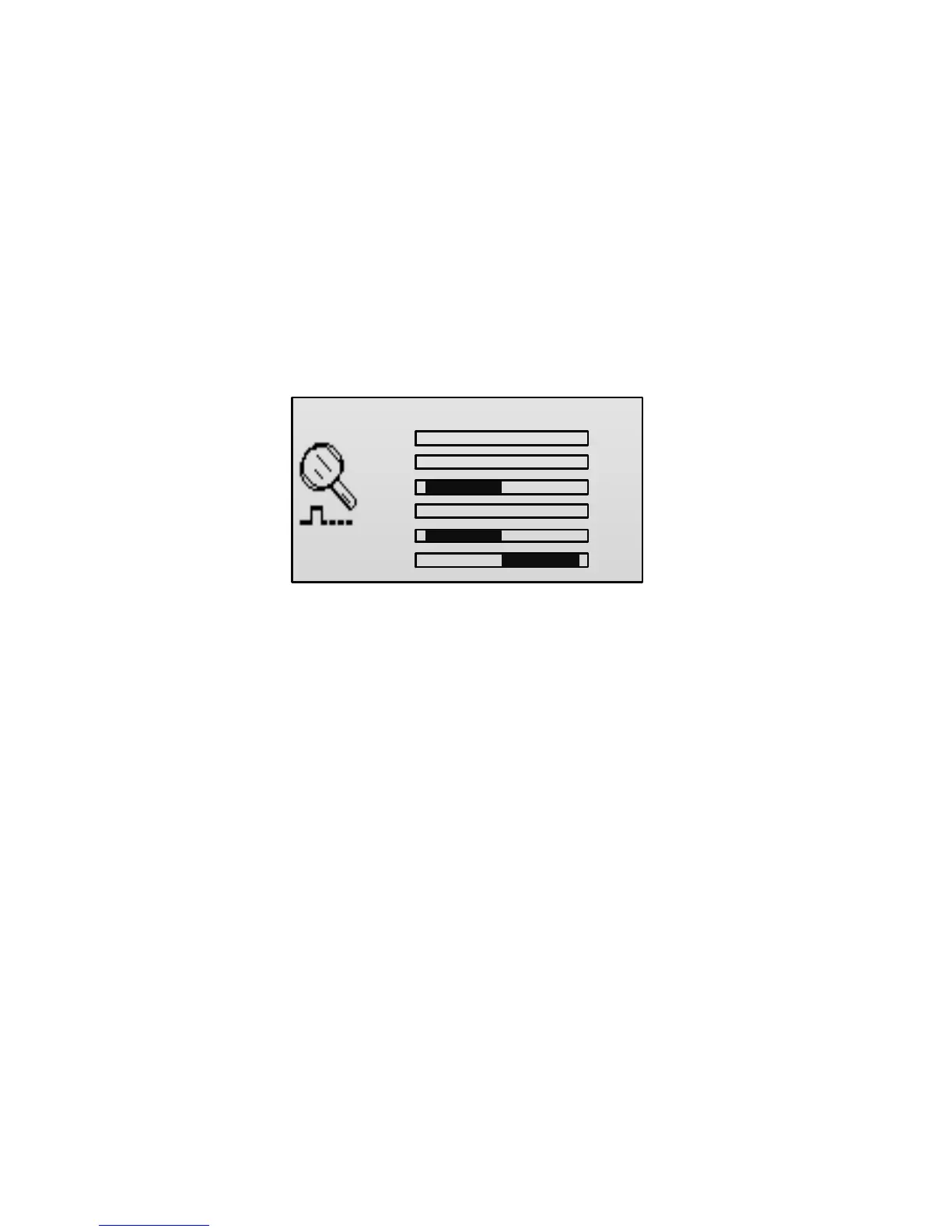
Channel Monitor
After completing each setting in Model Parameter menu, you can verify the
setting through the channel monitor and monitor the status of each channel at
any time.
In the main screen, press ENT key to enter the main menu, press UP or DOWN
key to select Channel Monitor, and then press ENT key to enter the Channel
Monitor interface.

CH 1
.
.
.
.
.
.
CH2
CH3
CH4
CH5
CH6
0
0
-100
0
-100
+100
CH1: Aileron channel
CH2: Elevator channel
CH3: Throttle channel
CH4: Rudder channel
CH5: Gear channel
CH6: Auxiliary channel 1