2. Press UP or DOWN key to select Type item, and then press R/+ or L/- key to
set the swash type.
Values:
1 Servo: Each channel controls one servo, each servo controls one kind of
operation, without mixing. If the Type is set to 1 Servo, do not need to set
the mixing rate in step 3.
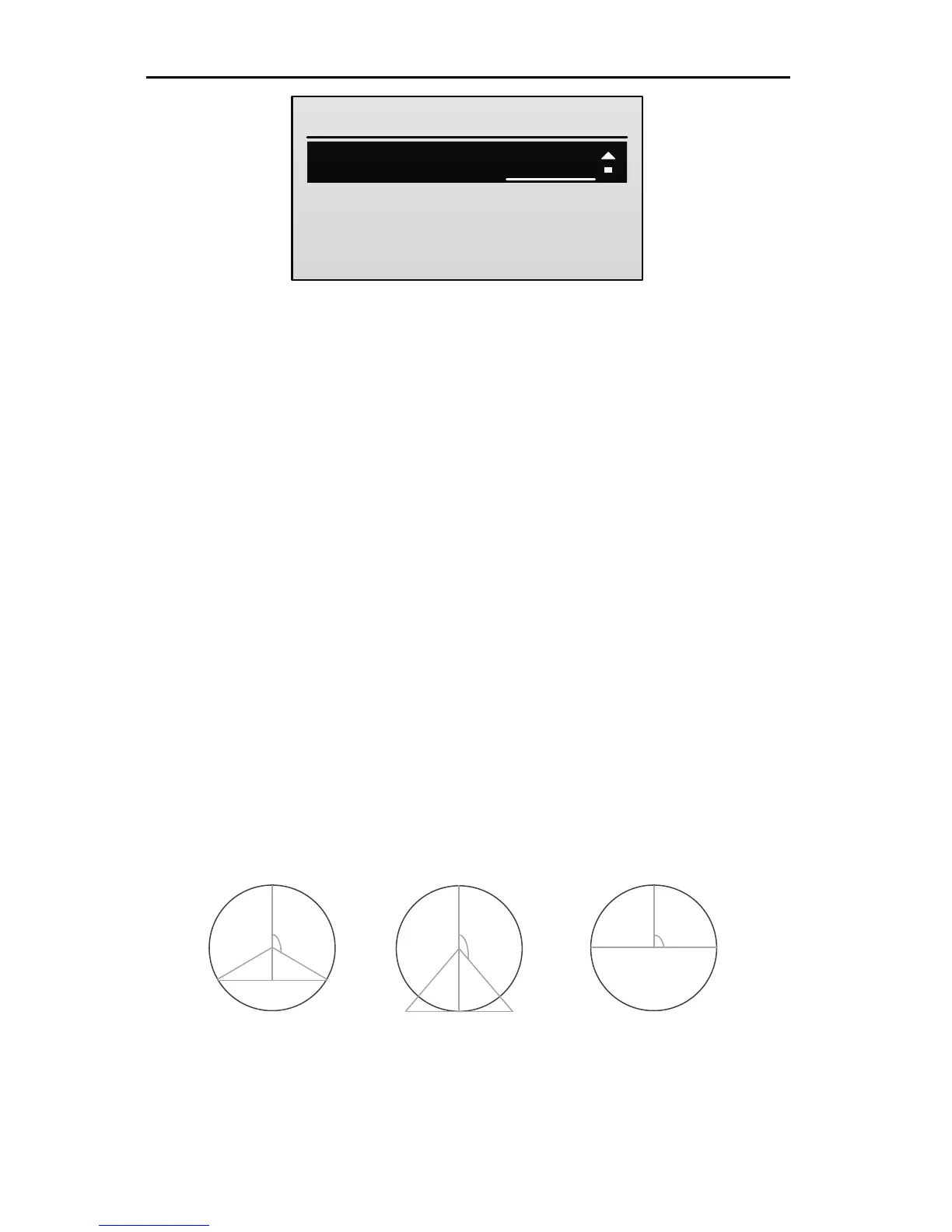
120° CCPM: This swash type is shown in the following figure. After
selecting this swash type, you can adjust the swash mixing by setting the
mixing rate in step 3.
140° CCPM: This swash type is shown in the following figure. After
selecting this swash type, you can adjust the swash mixing by setting the
mixing rate in step 3.
90° CCPM: This swash type is shown in the following figure. After
selecting this swash type, you can adjust the swash mixing by setting the
mixing rate in step 3.
The default is 1 Servo.
3. Press UP or DOWN key to select the mixing rate item, and then press R/+ or
L/- key to set the value of the item.



 To Next Page