ineo 367/287/227 3-39
3.3 Fax function
3
Operation flow
The following describes a flow to send a fax. For details, refer to page 3-42.
1 Loading the original
2 Entering a destination
% Enter the destination fax number, and check the settings such as the image quality.
3 Press the Start key.
% Press the Start key to send the original.
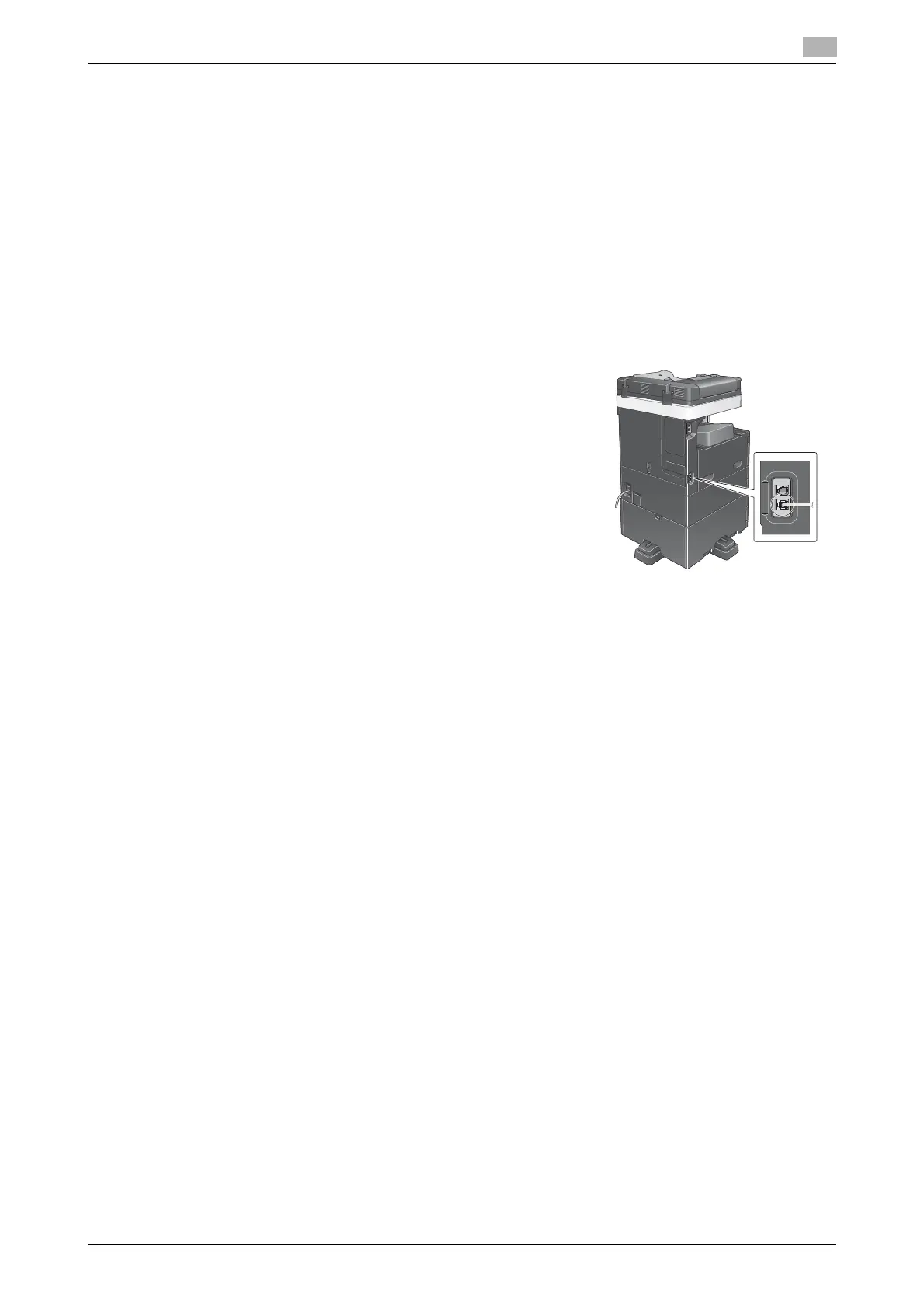
Checking the cable connection
Check that a modular cable is connected to the LINE port of this ma-
chine.











 To Next Page