ineo 367/287/227 3-75
3.7 Using the guidance function
3
Getting help on the desired function or procedure:
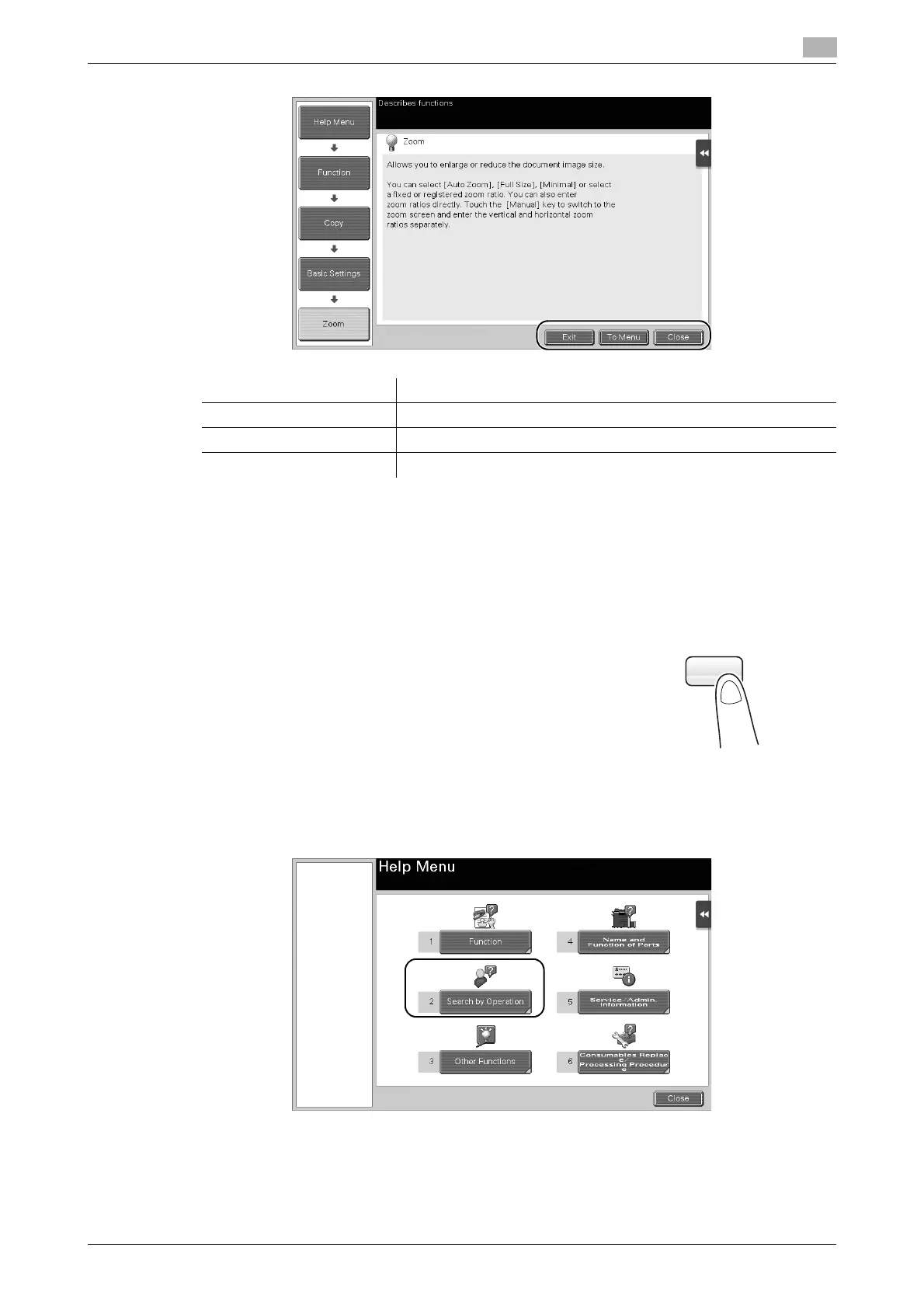
Open the Help Menu, and select a menu depending on an objective to display the guidance screen.
1 Press the Guidance key (default: Register key 2).
2 Select a menu.
Name Description
[Exit] Returns to the screen that is displayed before the guidance screen.
[To Menu] Returns to the Help Menu.
[Close] Returns to the preceding screen.











 To Next Page