ineo 367/287/227 2-23
2.6 Touch Panel
2
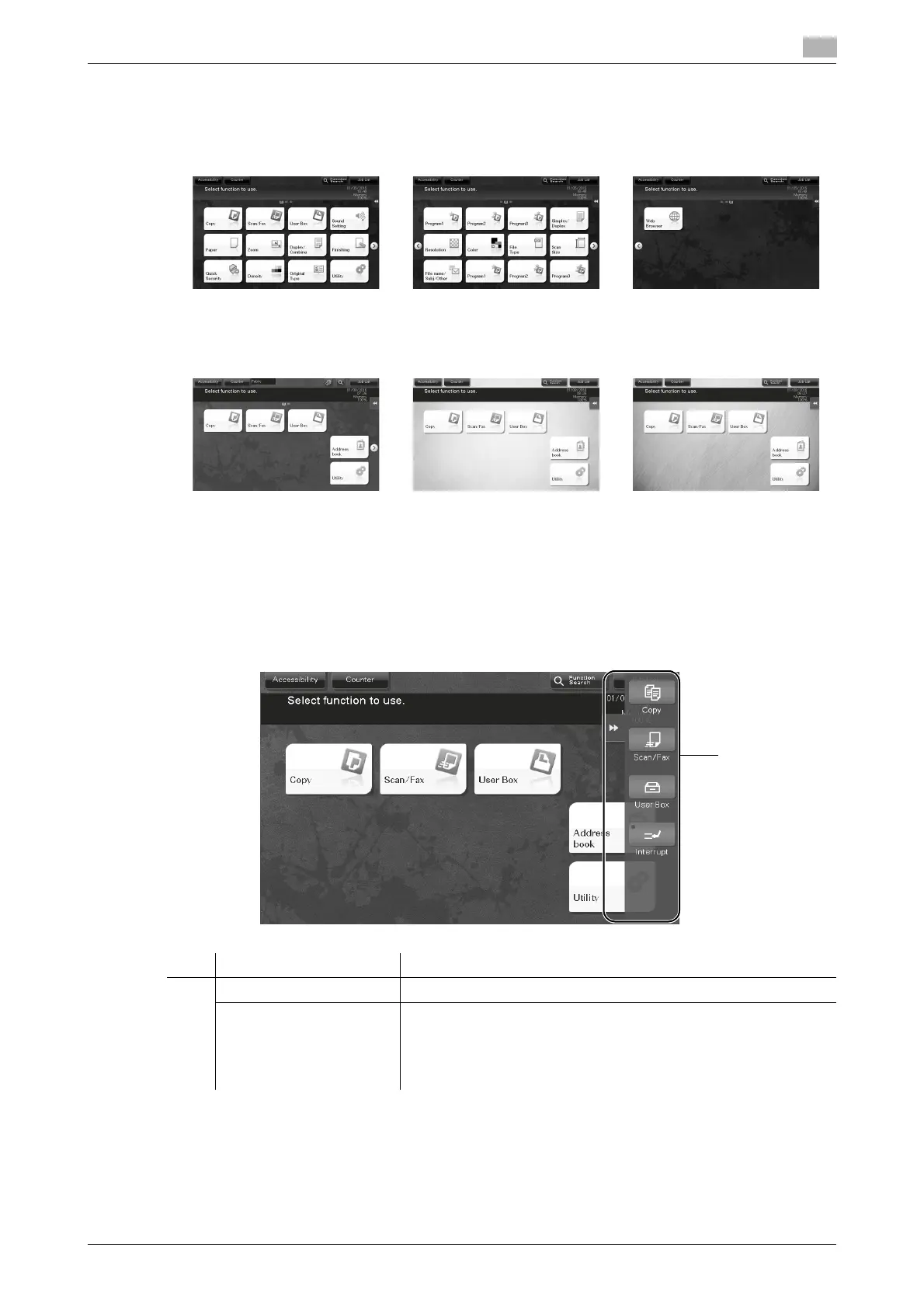
Customizing the main menu
The main menu can be extended to three screens as necessary. Up to 25 keys can be assigned to three main
menu screens which can be switched.
In addition, you can specify your favorite background pattern. If necessary, you can add a background pat-
tern by registering an image on this machine.
dReference
For details, refer to the User's Guide CD/DVD.
2.6.2 Slide menu
Tapping a tab key on the Touch Panel slides open the menu. The setting of the slide menu can be changed
to suit your environment.
No. Name Description
1 Tab key Tap this key to open and close the slide menu.
Slide menu key Display function keys assigned to any function.
By default, the main menu shows [Copy], [Scan/Fax], [User Box],
and [Interrupt].
•The Hard Disk is optional in some areas. To display [User Box],
the optional Hard Disk must be installed in this machine.











 To Next Page