ineo 367/287/227 3-73
3.7 Using the guidance function
3
3.7 Using the guidance function
3.7.1 Guidance screen
This machine provides the guidance function to display the description of a function on the screen and view
an operation procedure with moving images.
If you have any questions during operation, try to use this guidance function.
Getting help on the currently displayed screen:
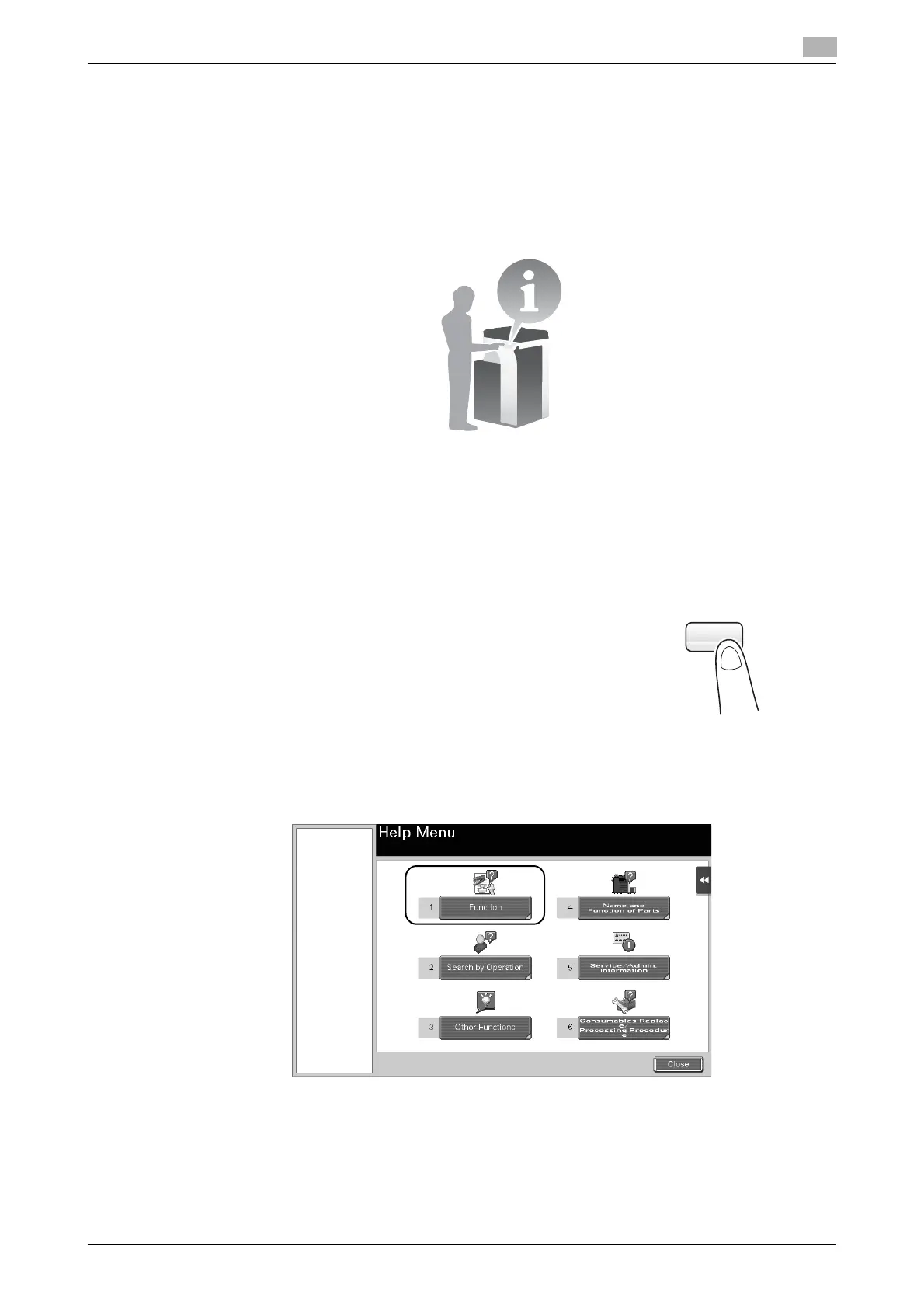
Select [Function] on the Help Menu to display the guidance screen.
1 Press the Guidance key (default: Register key 2).
2 Select a menu.











 To Next Page