2-26 ineo 367/287/227
Touch Panel
2
2.6
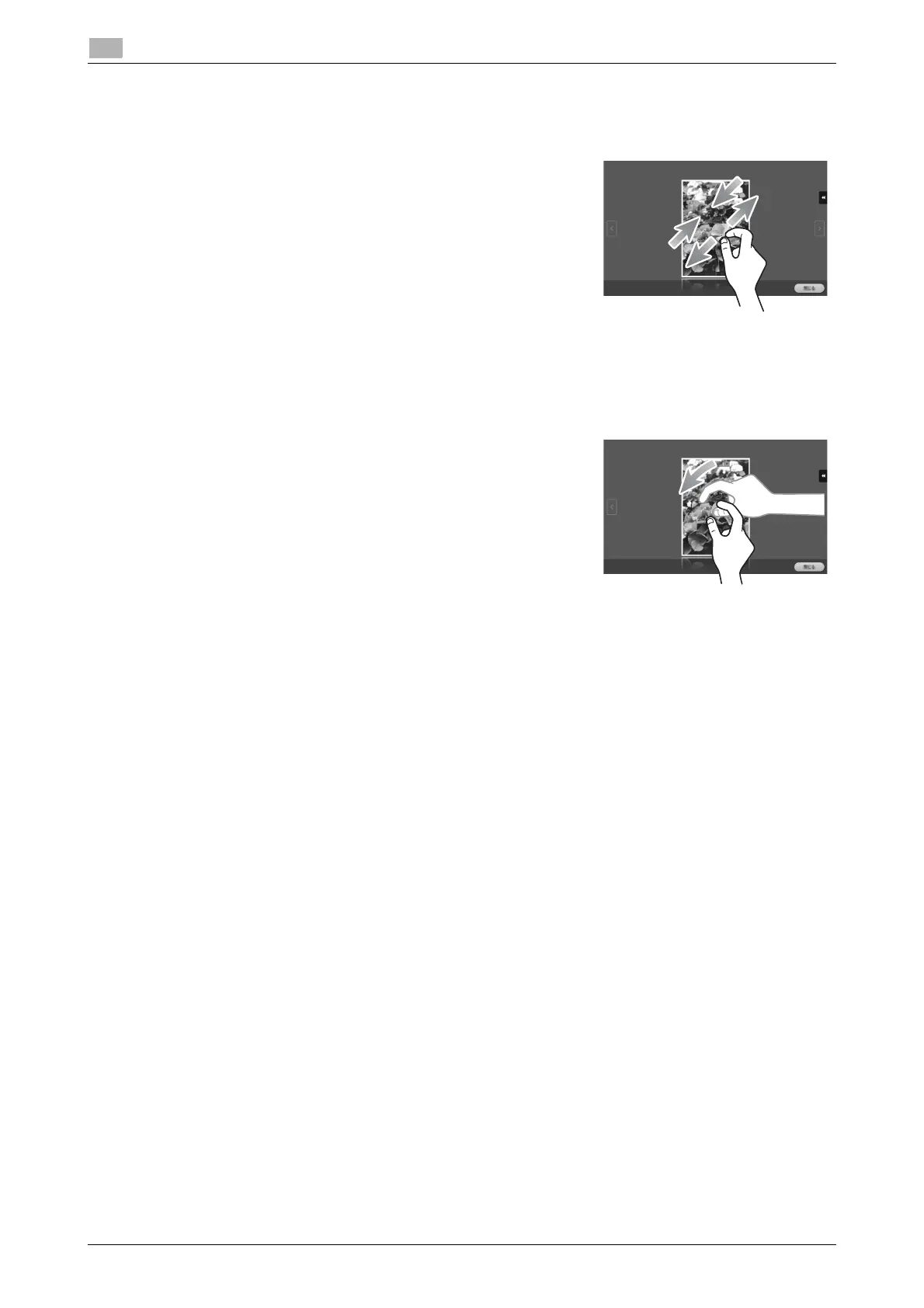
Pinch in/Pinch out
Place two fingers on the screen and then open or close them. Used
to enlarge or reduce a preview image.
Rotation
Place two fingers on the screen and then rotate them. Used to rotate
a preview image.
Precautions on using the Touch Panel
Note the following points when operating the Touch Panel.
- Applying a strong force to the Touch Panel will damage the Touch Panel, and potentially cause a
breakage.
- When operating in the Touch Panel, do not press on it using excessive force or with a pointed object
such as a mechanical pencil.











 To Next Page