ineo 367/287/227 2-35
2.8 Loading paper
2
Loading postcards
Up to 20 postcards can be loaded into the tray.
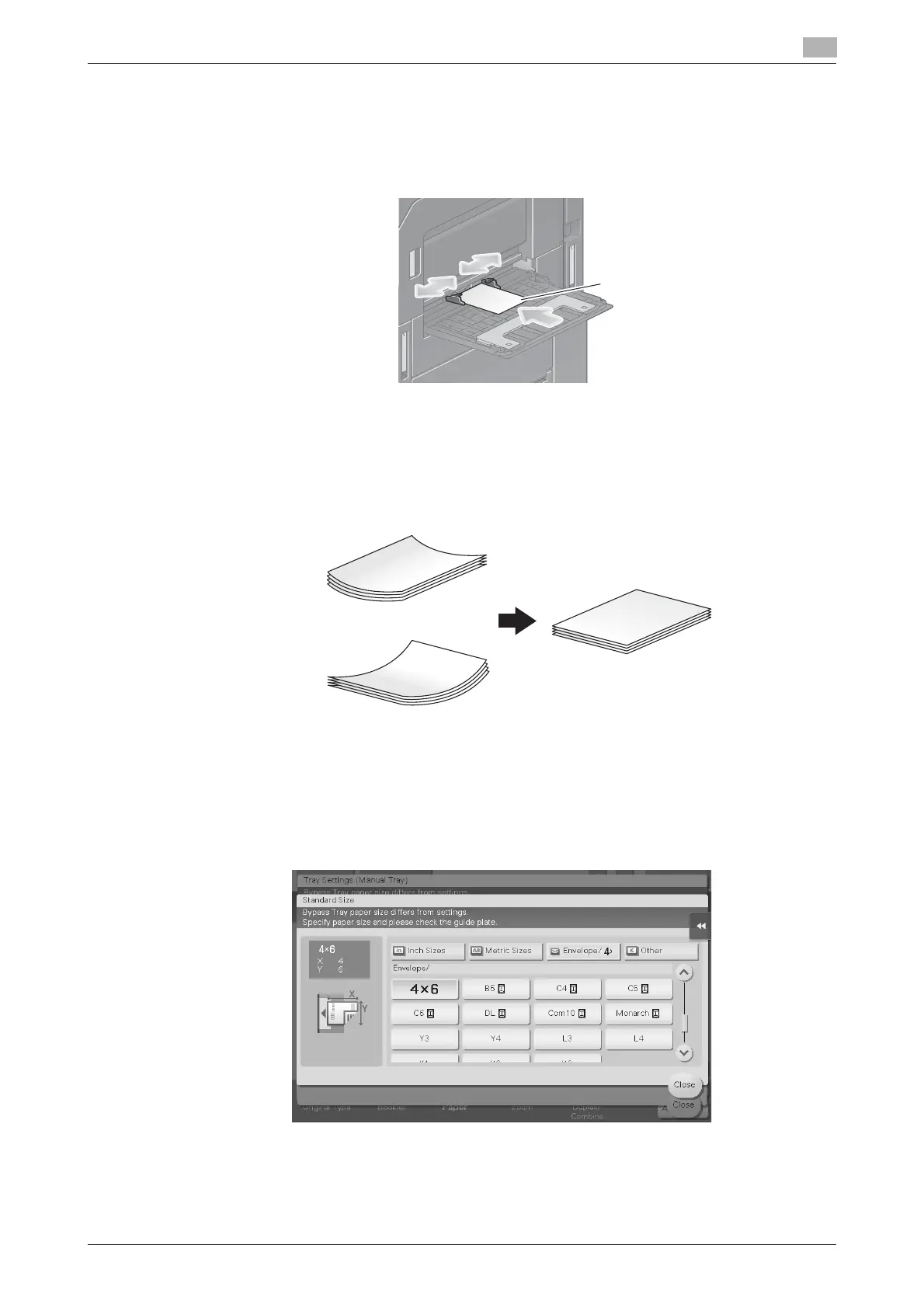
1 Load postcards in the w direction as shown in the figure with the print side facing down, then align the
Lateral Guide to the paper.
% Insert postcards into the tray until their edges are pressed against the back.
The screen for selecting the paper type and paper size appears.
NOTICE
When loading postcards into the Bypass Tray, note the following points.
When loading curled postcards, uncurl the postcards as shown in the figure in advance.
2 Change the paper size setting.
% Select [4 e 6] ([A6 Card]) from [Paper Size options] in [Paper Size].
% If [4 e 6] ([A6 Card]) is not displayed for [Paper Size options], select [4 e 6] ([A6 Card]) from [Other
Size] - [Envelope/4 e 6] ([Envelope/A6 Card]). Selecting [4 e 6] ([A6 Card]) sets [Paper Type] to
[Thick3].











 To Next Page