ineo 367/287/227 3-47
3.3 Fax function
3
Installing the fax driver
Use the installer to install the fax driver.
This section describes how to configure the standard print settings.
0 This operation requires administrator privileges for your computer.
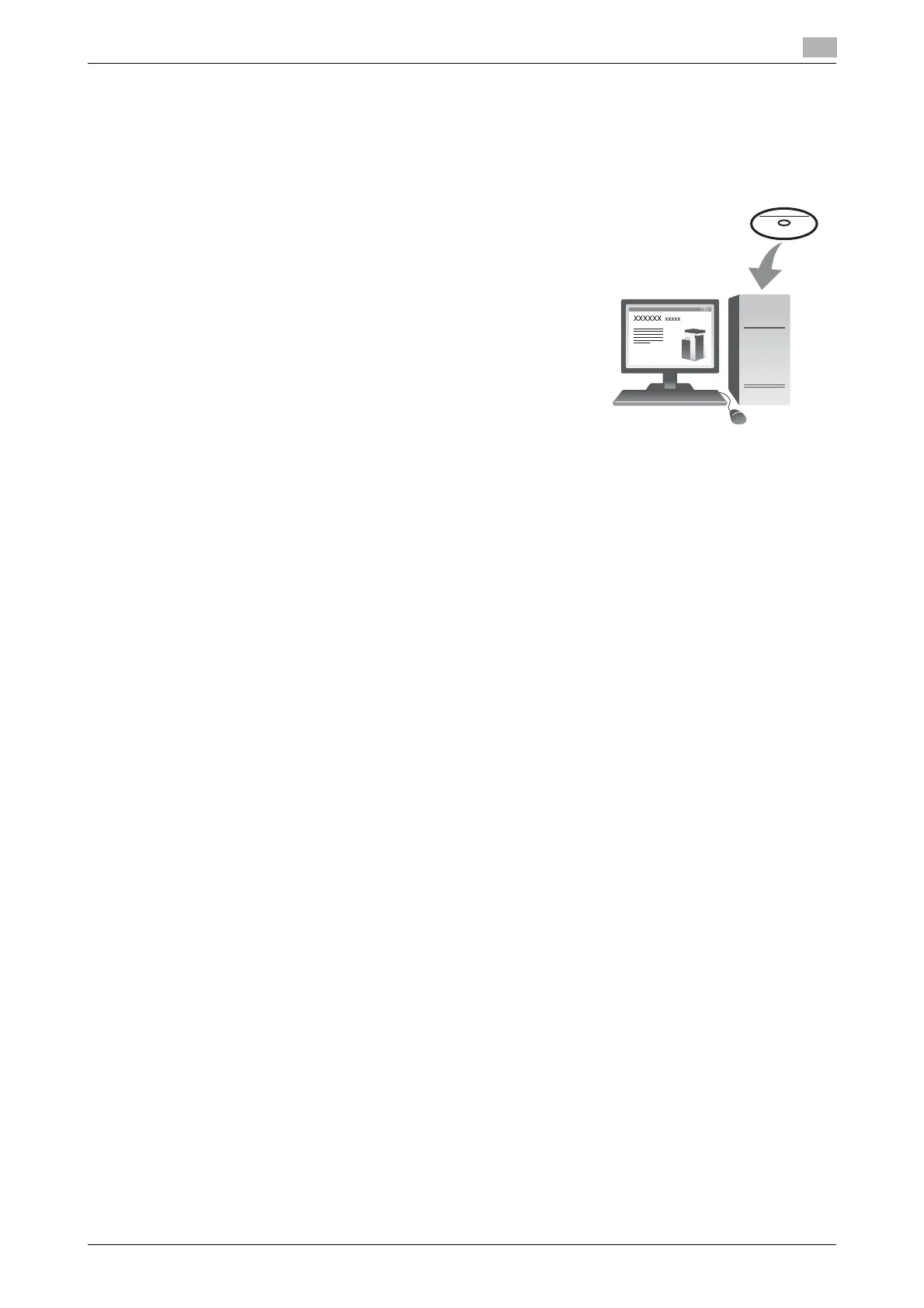
1 Insert the printer driver CD/DVD-ROM into the CD/DVD-ROM
drive of the computer.
2 Click [Printer Install].
3 Proceed with the procedure according to the on-screen instructions.
Printers and MFPs connected to the network are automatically searched for.
4 Select this machine from the list.
5 Select a fax driver.
6 Click [Install].
7 Click [Finish].











 To Next Page