ineo 367/287/227 3-55
3.5 Registering a destination
3
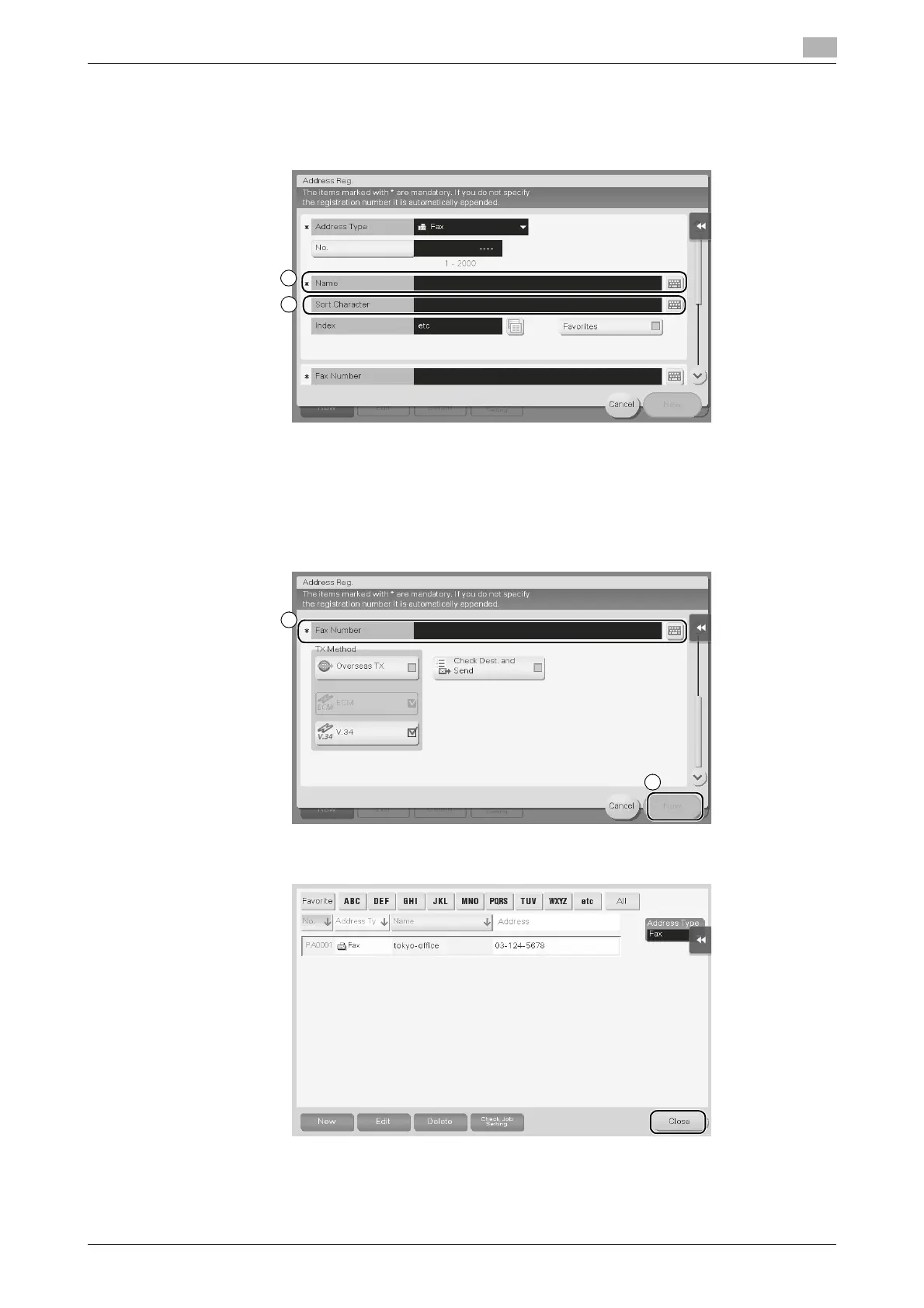
4 Enter the destination name you want to register.
% For [Name], enter the destination name using the displayed keyboard.
% For [Sort Character], enter the same name as [Name].
% This sets the appropriate index for the name, which you entered into [Name], to [Index]. To change
the setting, tap the [Index] field.
% Entry items and the number of setting screens vary depending on the destination type. For informa-
tion on entry items, refer to page 3-60.
5 Enter the fax number.
6 Tap [Close].











 To Next Page