ineo 367/287/227 3-79
3.8 Using the [Quick Security] function
3
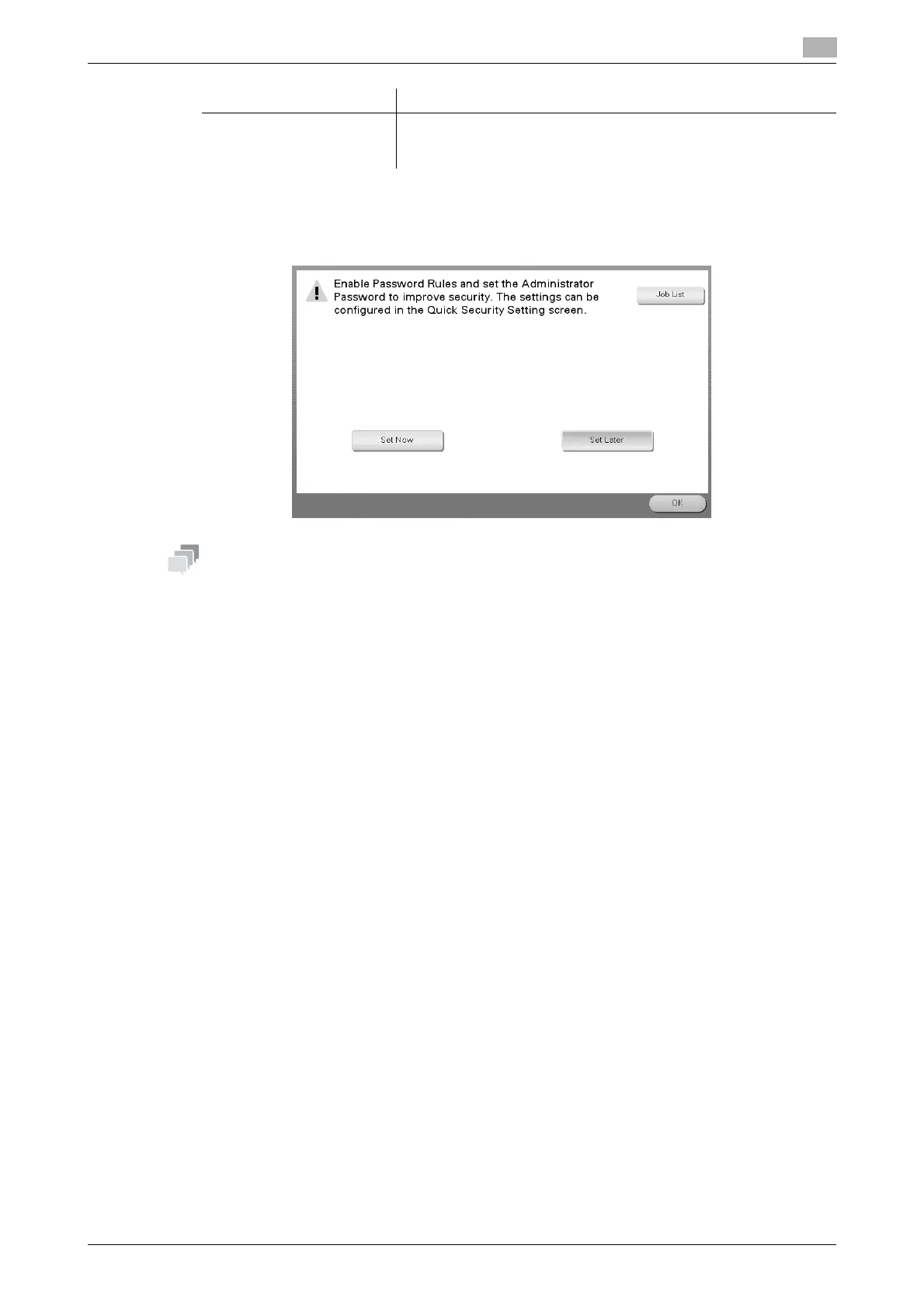
% When [Security Warning Display Setting] is set to [Display], the following security warning screen
appears if the administrator password remains set to the default or if password rules are not satis-
fied. Tap [Set Now] to configure the [Quick Security] function.
- You can specify whether to display the [Quick Security] key on the main menu. This key is not displayed
in the default state. To display the key, tap [Utility], and select [Administrator Settings] - [System Set-
tings] - [Custom Display Settings] - [Main Menu Default Settings] - [Main Menu Key].
- For information on the default administrator password, refer to the User’s Guide CD/DVD.
dReference
For details, refer to the User's Guide CD/DVD.
[Security Warning Display
Setting]
Select whether to display the security warning screen if the admin-
istrator password remains set to the default or if password rules are
not satisfied.
Settings Description











 To Next Page