ineo 367/287/227 3-9
3.1 Print function
3
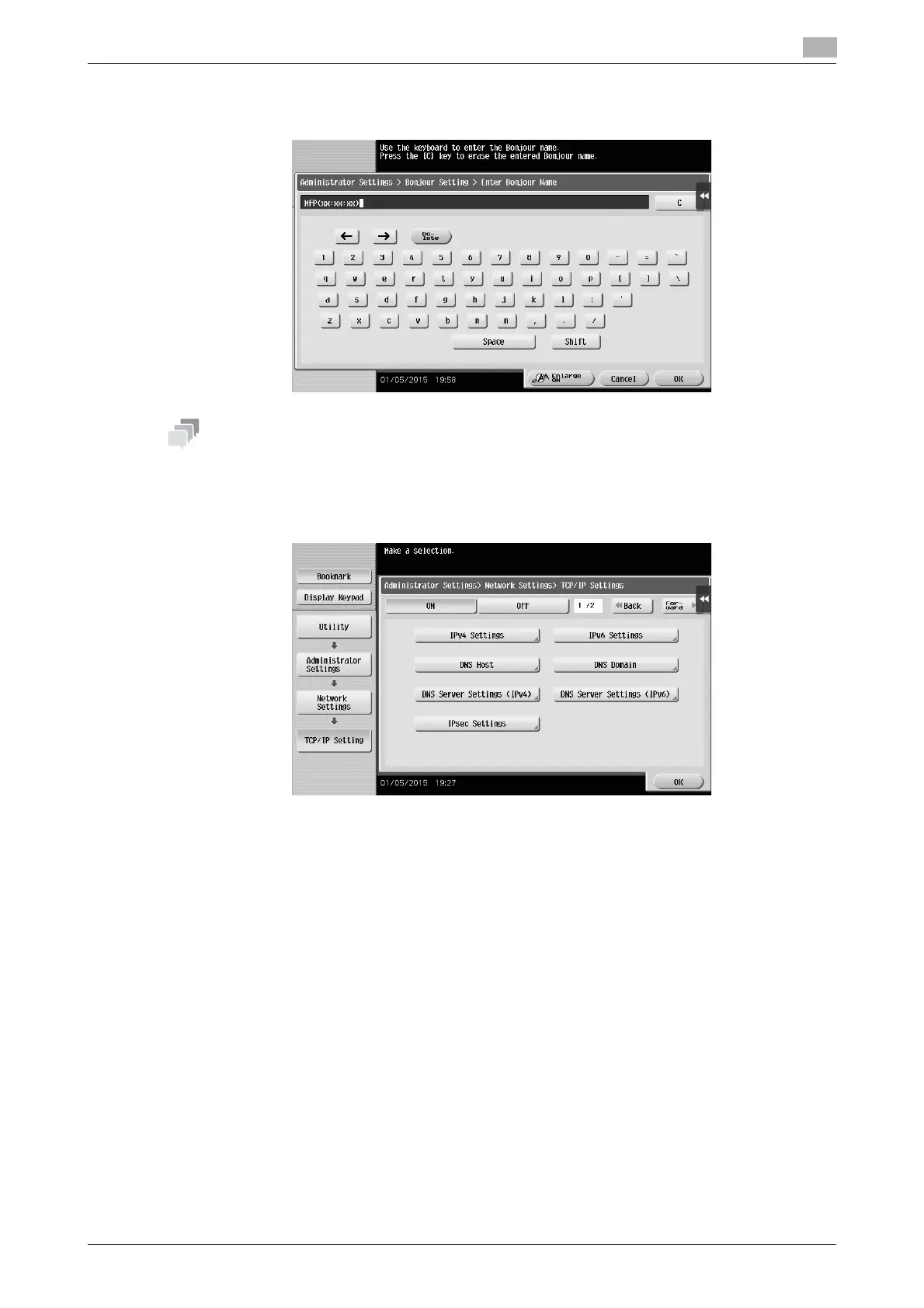
% To change the Bonjour name, tap [Bonjour Name], and enter the name using the displayed key-
board.
- If no IP address is displayed in Step 1, you need to set up the network. Tap [Utility], and select [Admin-
istrator Settings] - [Network Settings] - [TCP/IP Settings]. Configure the required settings to suit your
environment. For details, refer to the User's Guide CD/DVD.
- For information on the default administrator password, refer to the User’s Guide CD/DVD.











 To Next Page