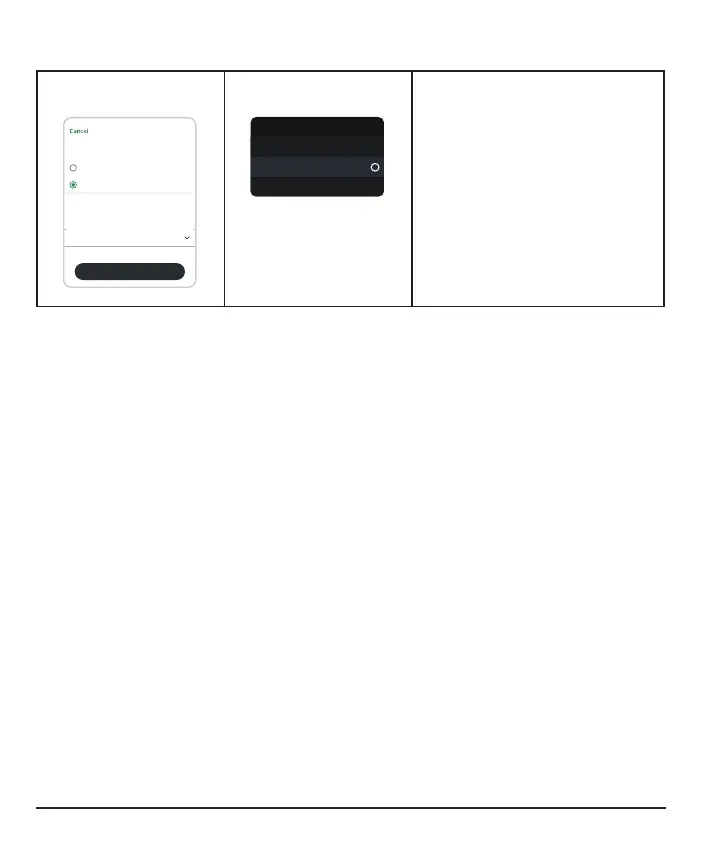
To calibrate your G7 using your BG meter (optional):
App
Entry Type
Log blood glucose
Use as calibration
Blood Glucose
BG meter value 210 mg/dL
Blood Glucose
Date and time Today, 9:41
Save
Receiver
Blood Glucose
Log Blood Glucose
More Info
Use as Calibration
In the app, tap + in the Glucose
or History tabs.
In the receiver, go to Menu >
Event > Blood Glucose.
Select Use as Calibration and
follow onscreen instructions to
enter the BG meter value as a
calibration.
When you calibrate your G7 using your BG meter, remember:
l
Calibrate in one display device, even if you use both the app and receiver. The
sensor sends calibration information between them.
l
Only calibrate with BG meter values from 40mg/dL to 400mg/dL.
l
If you get a Calibration Not Used alert, take another fingerstick and calibrate
again.
96



 To Next Page