5 • Alerts | Dexcom G7 User Guide 51
High alert
App Receiver What it means
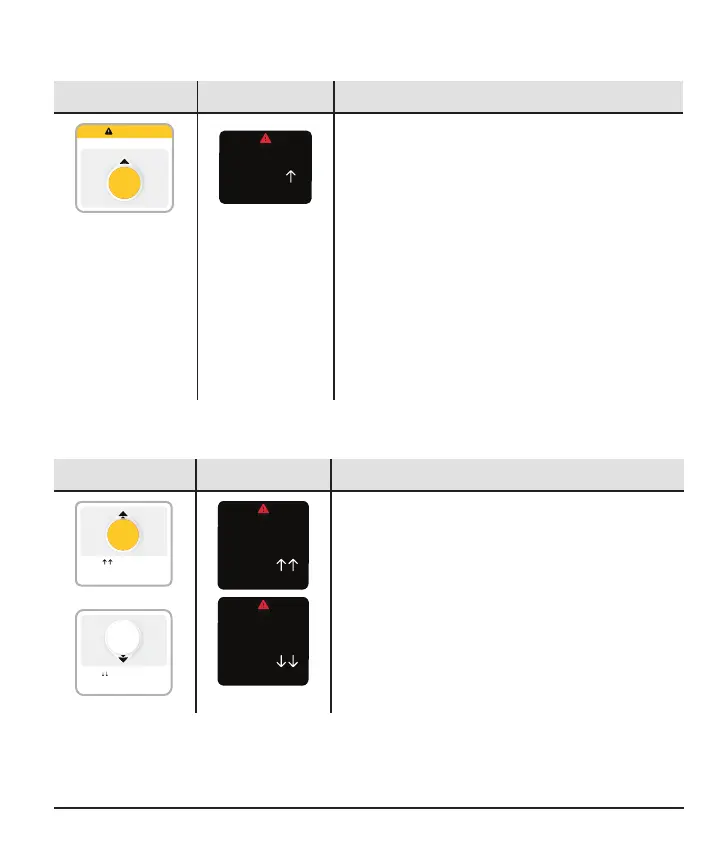
High Glucose Alert
mg/dL
256
High Glucose alert (High): Alerts you when
your sensor reading is at or above the set
level. It's the yellow line on the trend graph.
You can customize this alert:
l
App: Go to Profile > Alerts > High
l
Receiver: Go to Menu > Settings >
Alerts > High
For more information on customizing alerts,
go to the changing alerts sections of the
Alerts chapter.
Rising Fast and Falling Fast alerts
App Receiver What it means
256
mg/dL
Rising Fast
Your reading is rising 3 mg/dL
or more per minute.
Falling Fast
Your reading is falling 3 mg/dL
or more per minute.
170
mg/dL
Rising Fast Alert
mg/dL
Your reading is rising at a
rate of 3+ mg/dL/min
256
Falling Fast Alert
mg/dL
Your reading is falling at a
rate of 2-3 mg/dL/min
170
Rising Fast and Falling Fast alerts: Lets
you know when your sensor readings are
changing quickly.



 To Next Page