5 • Alerts | Dexcom G7 User Guide 53
App Receiver What it means
No Alerts
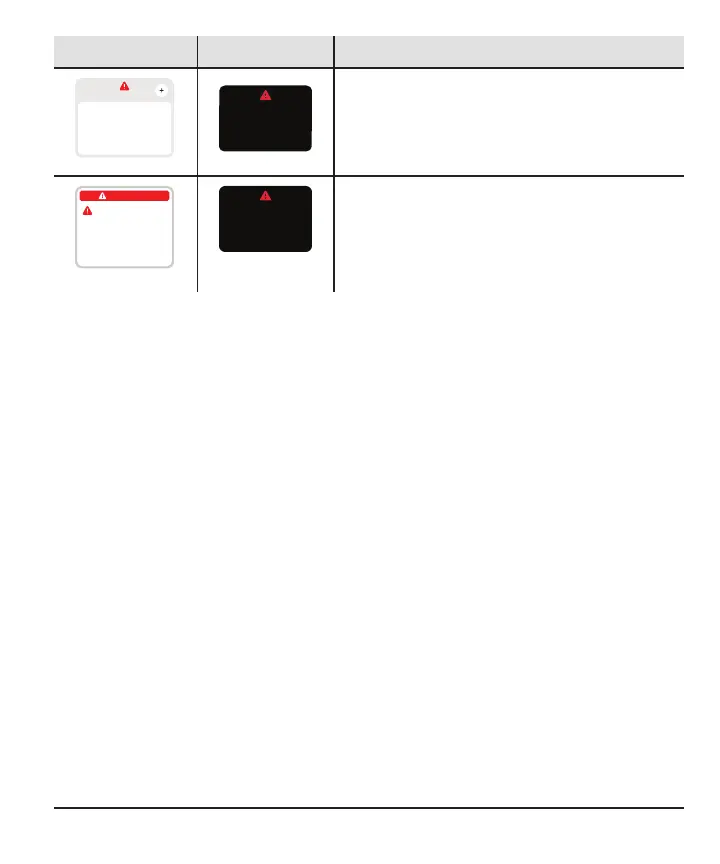
Brief Sensor Issue
Don’t remove sensor.
Temporary issue.
Wait up to 3 hours.
Help
Brief Sensor Issue
Wait up to 3 hours.
Don’t remove sensor.
Temporary issue.
Brief Sensor Issue alert
Alerts you when the sensor can't read your
glucose right now.
No Alerts
Remove Sensor Now
To remove sensor, peel
off patch from the edge.
Sensor Failed
Sensor Failed
Remove sensor now.
No readings or alerts until
you start a new sensor.
Technical alerts
Alerts you when you're not getting sensor
readings. They include Sensor Failed,
Replace Sensor Now, and similar alerts.
Technical alerts can't be turned off, but you can change how your alert notifies you:
l
App: For each alert, you can choose between Sound, Vibrate, Match Phone
Settings.
Vibrate: Alerts won't sound but will display and vibrate.
Vibrate Exceptions: Urgent Low and technical alerts act differently; if you don't
acknowledge them, they will add sound. In the app, these alerts include: Urgent
Low, App Bluetooth is Off, App is Closed, App Location is Off, App Stopped: Phone
Storage Full, App Stopped Working, Phone Bluetooth is Off, Phone Location is Off,
Replace Sensor Now, Sensor Failed
If you use a Quiet Mode (Vibrate), it affects all alerts, including technical Alerts.
l
Receiver: Vibrate Only
Vibrate Only Exceptions: Urgent Low and technical alerts act differently; if you
don't acknowledge them, they will add sound. In the receiver, these alerts include:
Urgent Low, Replace Sensor Now, Sensor Failed, Set Date/Time, System Check,
Very Low Battery, Weak Charger.



 To Next Page