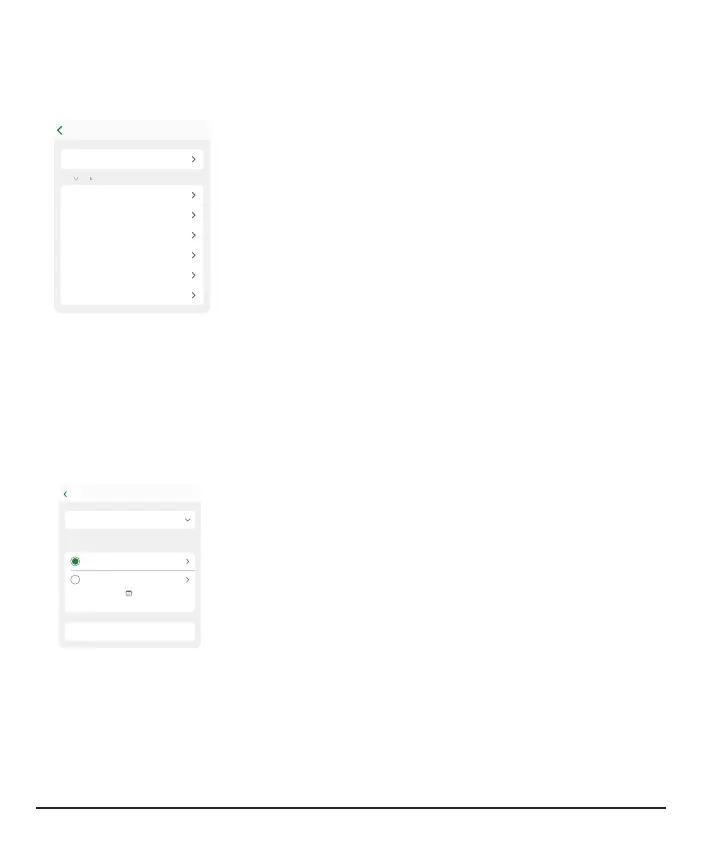
Adding a second alert profile in your app
Urgent Low 55 mg/dL
Urgent Low Soon Off
Low Off
High Off
Rising Fast Off
Falling Fast Off
Profile
Are there times or places when you want your alerts to
work differently? For example, you may not want to get
alerts at night unless your sensor reading goes too low.
You can create a second, separate alert profile to use when
needed in Profile > Alerts > Add Second Alert Profile.
Display device screens lead you through naming the
second profile, in this case, Night. Then, you can customize
each alert in the Night profile to work as you want it to.
You can use the profiles two ways:
l
Switch between them manually when you want
l
Set up a schedule for them to switch automatically
For example, if you want to sleep unless your glucose goes to 55mg/dL, turn off all
alerts in your Night alert profile and make technical alerts vibrate. (The Urgent Low
alert will still sound.)
Note: Signal Loss alert settings stays the same in both profiles.
Alerts
Reset Alert Settings
Show Quiet Modes
Primary On
Night Off
Mon, 1:31
Scheduled to turn on:
Profile
The app automatically renames your original alert profile as
Primary.
At the bottom of the second profile, you can set up a
schedule for when it's used. The next scheduled time
displays in Profile > Alerts.
You can also turn it on and off from Profile > Alerts.
62



 To Next Page