10 • Next Sensor Session | Dexcom G7 User Guide 87
10 • Next Sensor Session
Each sensor session lasts up to 10days, plus a 12-hour grace period at the end. The
grace period gives you more time to replace your sensor so you can do it when it's
convenient for you. The time left in the grace period shows on your screen. During the
grace period, your sensor continues to work as it did during the sensor session.
You'll get alerts letting you know your sensor session or grace period will end soon.
You can choose to wear the sensor until the grace period ends or end the session
early.
To find out how much time you have left in your sensor session, go to Connections >
Sensor in the app, or in the receiver, go to Menu > Information > Sensor > Sensor
Info. When the sensor expires, the 12-hour grace period starts.
Sensor transition
You must end the sensor session or grace period before you start a new sensor. You
can end it two ways:
l
Automatically, when the grace period ends (you'll get an alert letting you know)
l
Manually, before the grace period ends
You only need to end your sensor session on one display device.
Automatically: End sensor when grace period ends
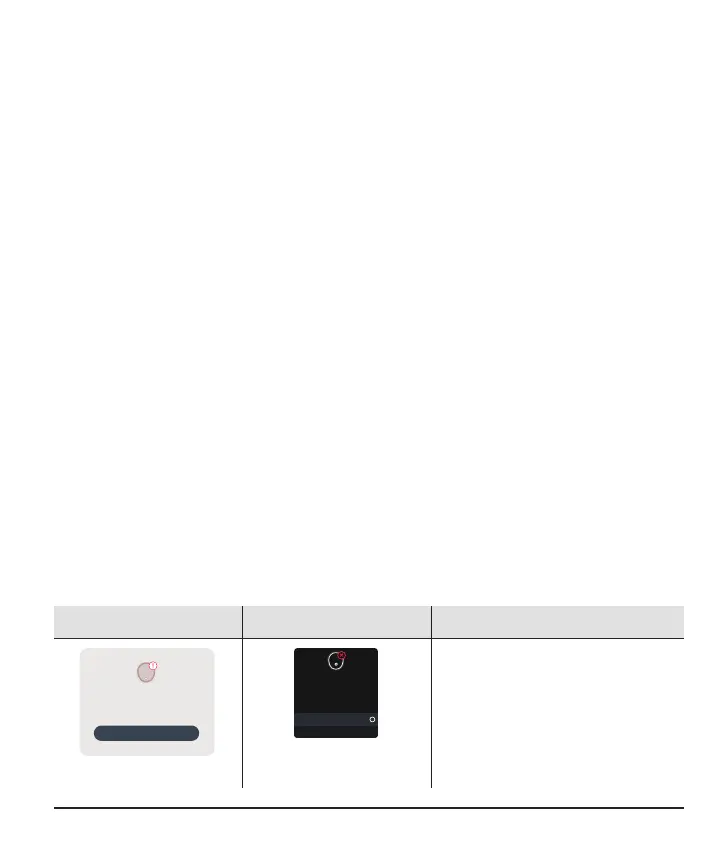
At the end of the grace period, you'll get the Start New Sensor alert:
App Receiver What it means
OK
Grace period expired. No readings or
alerts until you start a new sensor.
Replace Sensor Now
Replace Sensor Now
Grace period expired.
No readings or alerts until
you start a new sensor.
Start New Sensor
Dismiss
App: Tap OK and follow
instructions on the screen.
Receiver: Select Start New
Sensor and follow instructions
on the screen.



 To Next Page