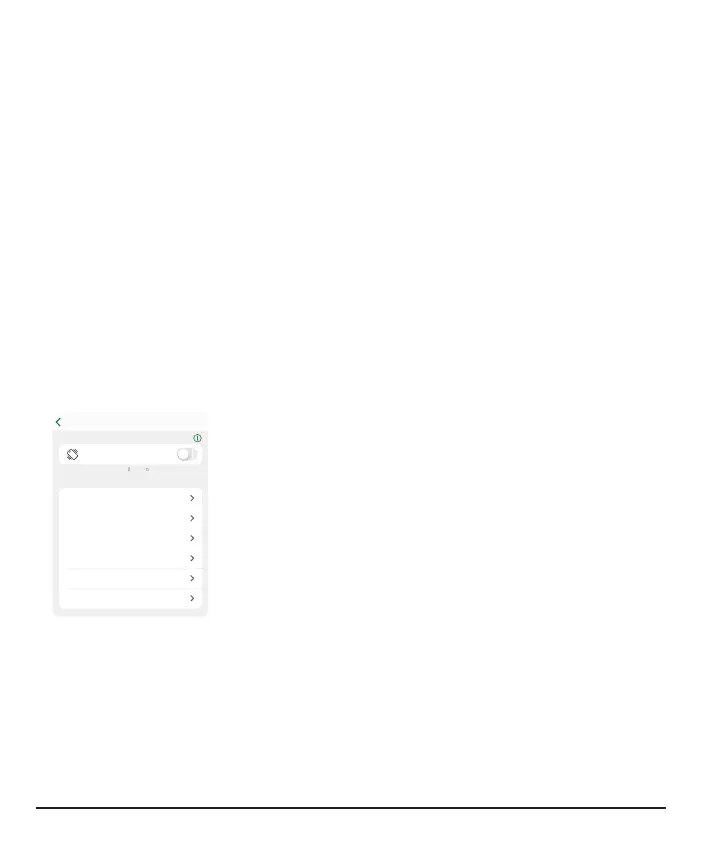
Changing all alerts
Keep your alerts on. They're an important part of making treatment decisions. Before
changing your alerts, discuss the best alert settings for you with your healthcare
provider.
When using the app and the receiver at the same time, change alert settings and
acknowledge alerts on each device. Settings don't synchronize automatically.
App
Profile > Alerts shows all the alerts you can change. Tap each one to find out how to
change it.
Urgent Low 55 mg/dL
Urgent Low Soon On
Low 70 mg/dL
High 250 mg/dL
Rising Fast Off
Falling Fast Off
GLUCOSE ALERTS
QUIET MODES
Profile
Quiet Modes: Quickly change all your alerts to be more
discreet. Quiet Modes override your phone sound setting
and each alert's Sound/Vibrate setting. You still see alerts
on your phone's lock screen and in the app.
Vibrate: All alerts vibrate but won't sound. You can set
vibrate mode for up to 6hours or indefinitely.
Vibrate Exceptions: (these exceptions always apply, not
just in Quiet Mode)
l
Your phone vibrate setting must be on for the alerts to
vibrate. For more information, go to Profile > G7
iPhone Safety or Profile > G7 Android Safety
l
Urgent Low and technical alerts act differently; if you
don't acknowledge them, they will add sound. In the
app, these alerts include: Urgent Low, App Bluetooth is
Off, App is Closed, App Location is Off, App Stopped:
Phone Storage Full, App Stopped Working, Phone
Bluetooth is Off, Phone Location is Off, Replace Sensor
Now, Sensor Failed
56



 To Next Page