6 • Set Up Displays, Medical Device, and Siri | Dexcom G7 User Guide 67
6 • Set Up Displays, Medical Device,
and Siri
With your G7, you get your Dexcom information in a smartphone app as well as in the
receiver, which is a dedicated medical device. You can set up either or both, in any
order.
App
You can set up the Dexcom G7 app on only one smartphone. Download the Dexcom
G7 app from your app store and follow the instructions on the screen.
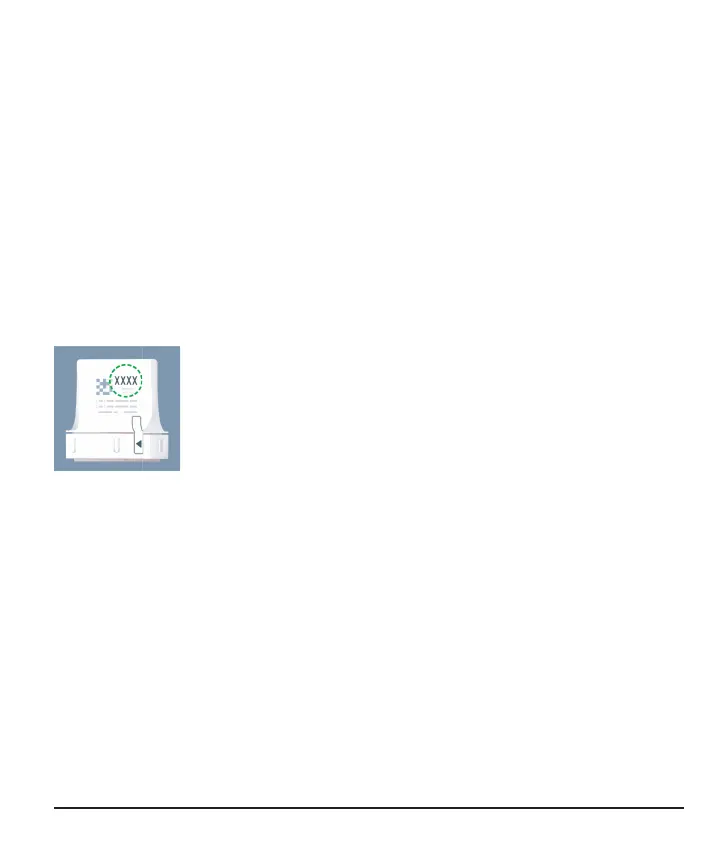
You'll need the pairing code. Find it on the applicator:
Or if you already set up your receiver, find it in your receiver at Menu > Information
> Sensor > Sensor Info.
If you use both the app and the receiver, you'll need to acknowledge alerts on both
display devices.
For supported smartphones and operating systems, go to
dexcom.com/compatibility.



 To Next Page