7 • App Connections | Dexcom G7 User Guide 73
7 • App Connections
The G7 app lets you add additional features and services to help you manage your
diabetes.
Connections
Allow friends and family to view your sensor
readings.
Share
Share Dexcom data with Apple Health.
Apple Health
Sensor
10 days left
Available Connections
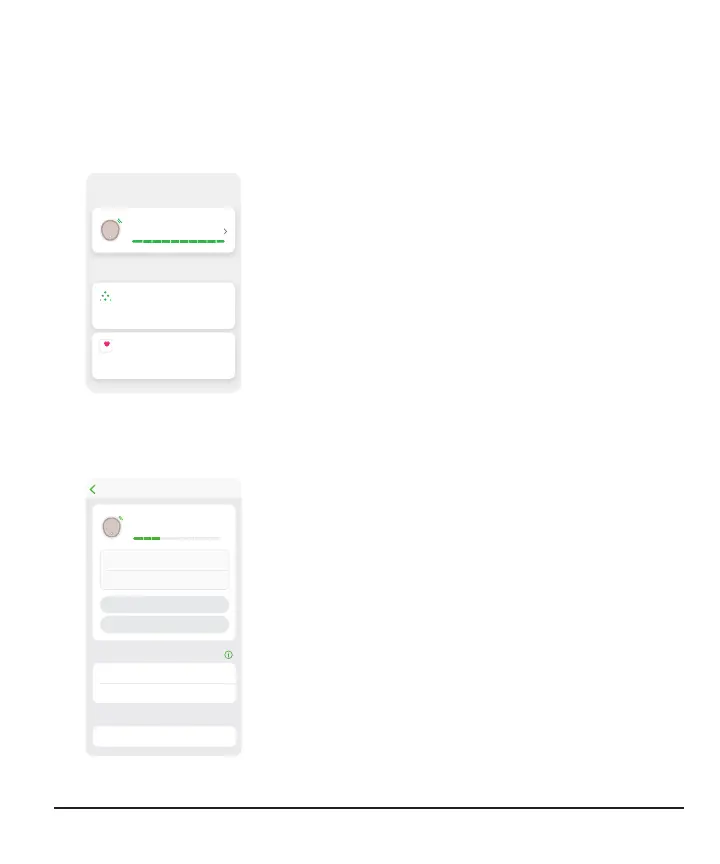
From Connections, you can:
l
Get information about your sensor session
l
Replace your sensor
l
Share your glucose information with others
l
Upload your glucose information to Apple Health
Active connections — like your sensor — appear at
the top. Connections to features you're not currently
using are in the Available Connections list.
Tap each connection to learn more.
Sensor
Connections
Sensor
Sensor
Display Devices
3 days left
Sensor Start
10/9/19, 12:37
10/19/19, 12:36
0000
Not Paired
Phone Name
Sensor Expires
REPLACE SENSOR
STOP SENSOR SESSION
Pairing Code
Receiver
Mobile Device
Sensor
In Connections > Sensor, you can do all this and
more:
l
Check how much time is left in your sensor session
l
Replace a sensor (go to the Next Sensor Session
chapter for more information) or stop the sensor
session
l
See your display devices and each one's status
l
Get your pairing code



 To Next Page