Follow app tips
When using the Follow app:
l
Both apps (G7 and Follow) must be open or running in the background.
l
The smart devices must work, be connected to the internet, and have charged
batteries.
l
If phone service carrier doesn't support simultaneous voice and data, the Follow
app won't get data during phone calls. When the phone call is over, the Follow app
will fill in any missing glucose information.
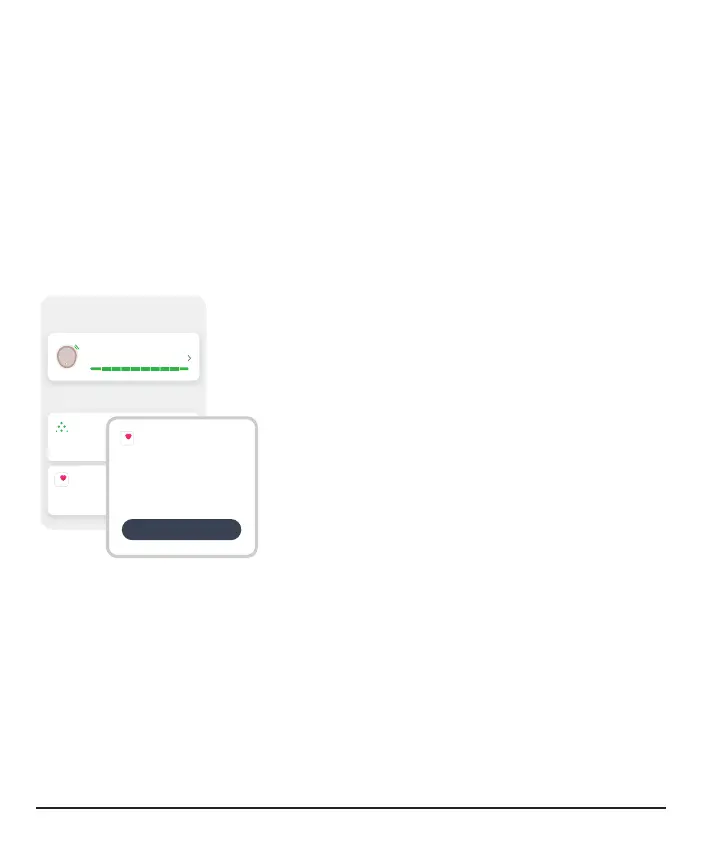
Health apps
Connections
Allow friends and family to view your sensor
readings.
Share
Share Dexcom data with Apple Health.
Apple Health
Sensor
10 days left
Available Connections
Apple Health
Use Apple Health to:
Share Data
Give Apple Health permission to access
your Dexcom data.
Activate
Apple Health consolidates health data from your
smartphone, smartwatch, and third party apps,
including G7. Activate Apple Health and your G7
will send data to the health app with a 3hour
delay.
80



 To Next Page