6 • Set Up Displays, Medical Device, and Siri | Dexcom G7 User Guide 69
Dexcom receiver
You can pair your sensor and have Dexcom data sent to one Dexcom G7 receiver.
To set up your receiver, turn it on by pressing the power button for 3–5 seconds and
then follow onscreen instructions.
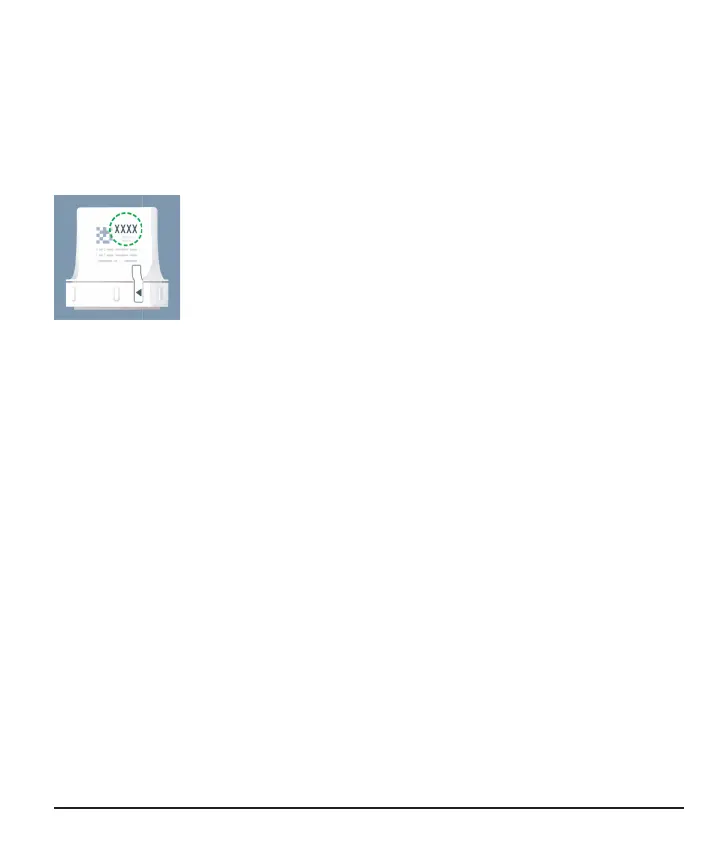
You'll need the pairing code. Find it on the applicator:
Or, if you've already set up the app, find it in your app in Connections > Sensor.
If you use both the app and the receiver, you'll need to acknowledge alerts on both
display devices.
If you use the Dexcom receiver, be sure to use the one that comes with your G7
system. Receivers from previous generations won't work with G7.



 To Next Page