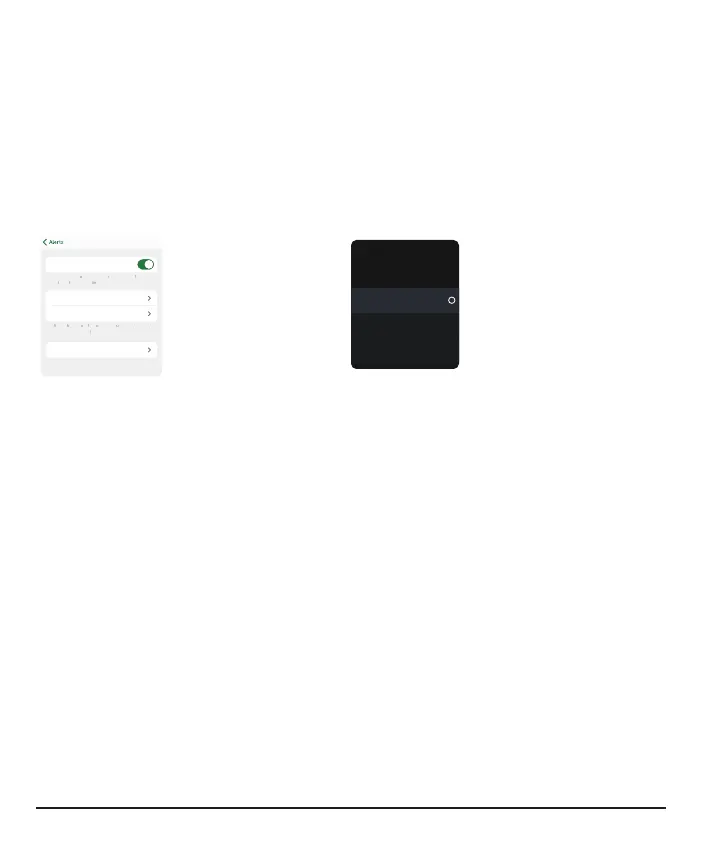
Changing one alert
Go to alert settings to customize each alert. The Low alert screen shows some
settings you can change:
l
App:Level, Sound/Vibrate, and Snooze
l
Receiver: Level and Snooze
App
Level 70 mg/dL
Sound/Vibrate Sound
Turn on to get a repeat alert if your sensor reading
stays low for a while. You choose for how long
Receiver
Low
Alerts you when your sensor
reading falls below the set
level.
On
Alert
70 mg/dL
Level
Off
Snooze
Each alert has its own settings. All of those settings are explained here:
Delay 1
st
Alert (High alert only): Turn on to delay your first alert until your sensor
reading is at or past the high alert setting for a while. You choose how long.
For example, if you set Delay 1
st
Alert to 20 minutes for your High alert, your glucose
must be at or above your high alert level for 20 minutes before you get the alert.
For More Than: Don't get an alert until a system issue lasts this long. You choose
how long.
Fall Rate: For the Falling Fast alert, you choose the sensor reading change rate:
l
2–3mg/dL per minute or
l
3mg/dL or more per minute
For example, if you turn this on, when your glucose falls fast, you'll get an alert.
You can add a glucose level to this. If you do, you'll get an alert when your glucose is
at or below that level and falling fast.
58



 To Next Page