5 • Alerts | Dexcom G7 User Guide 57
Glucose Alerts: To change the sound or vibration for an individual alert, tap it, then
tap Sound/Vibrate.
Vibrate Exceptions: See previous section.
Signal Loss On
Brief Sensor Issue On
Technical Alerts Sound
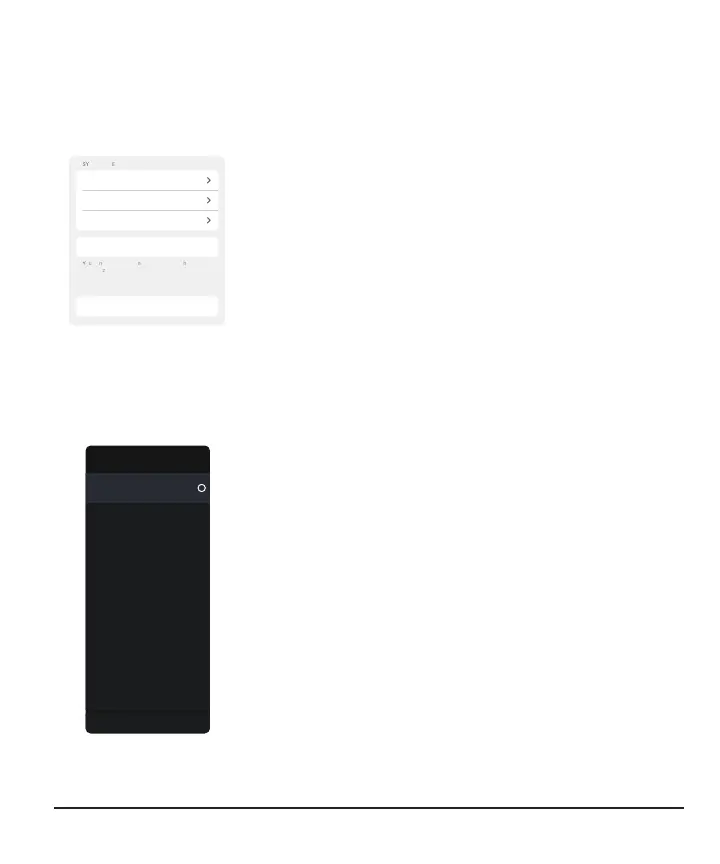
Scroll down to see this part of the screen.
System Alerts: Tap the alert to customize system alerts.
To change the sound or vibration for an individual alert, tap
it, then tap Sound/Vibrate.
Add Second Alert Profile: Create a separate alert profile
to use for specific situations.
Reset Alert Settings: Reset all alerts to default settings
(Android).
Receiver
Menu > Settings > Alerts shows all the alerts you can change and how to do it.
Alerts
55 mg/dL
Urgent Low
On
Urgent Low Soon
80 mg/dL
Low
200 mg/dL
High
Off
Rising Fast
Off
Falling Fast
On
Signal Loss
On
Brief Sensor Issue
Reset Alert Settings
Alerts: Go to the alert to change its settings
Reset Alert Settings: Reset all alerts to default settings



 To Next Page