5 • Alerts | Dexcom G7 User Guide 55
Android
There are three ways to acknowledge alerts from your Lock screen:
70 Low Glucose
Dexcom G7 • 20min
First, if your notification has an OK button, tap OK
to acknowledge the alert.
or
Second, if your notification doesn't have an OK
button, pull down on the notification and tap OK to
acknowledge the alert.
or
Third, tap the notification (not the OK button) to
open the app. Then tap OK to acknowledge the
alert.
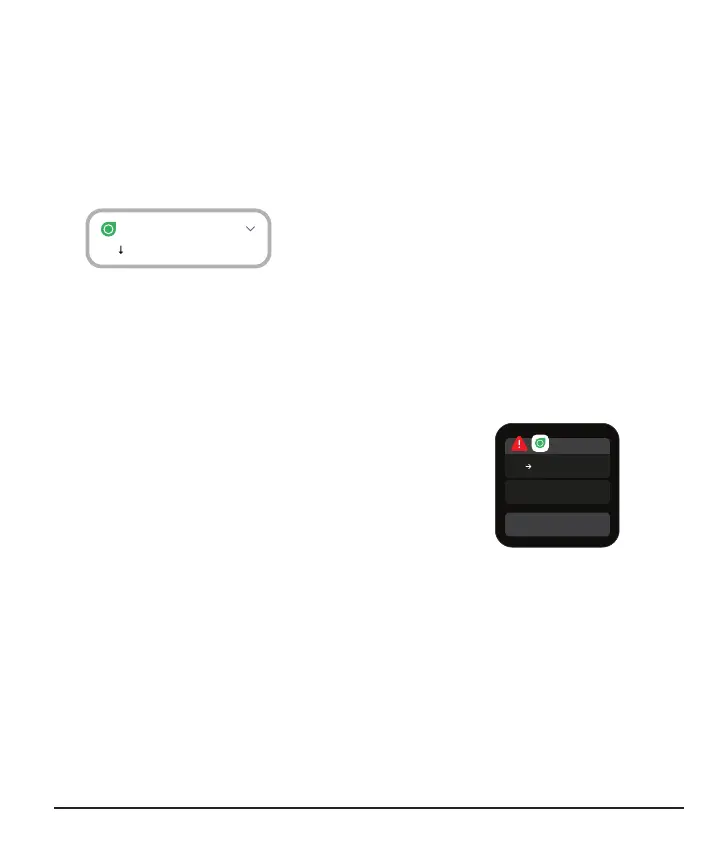
Smartwatch
If you have a smartwatch, it may display alerts. On
your smartwatch lock screen, tap OK to
acknowledge the alert. That will also acknowledge
the alert in your app.
Tips
Alert vibrations feel the same as notifications you get from other apps on your smart
device. The only way to know if it's from your G7 is to look at your smart device.
In the app, you see notifications on your Lock screen and Apple Watch. If you're not
seeing any data, open your app. If your watch battery gets too low to show your
glucose information, use the Dexcom app on your phone or the receiver.



 To Next Page