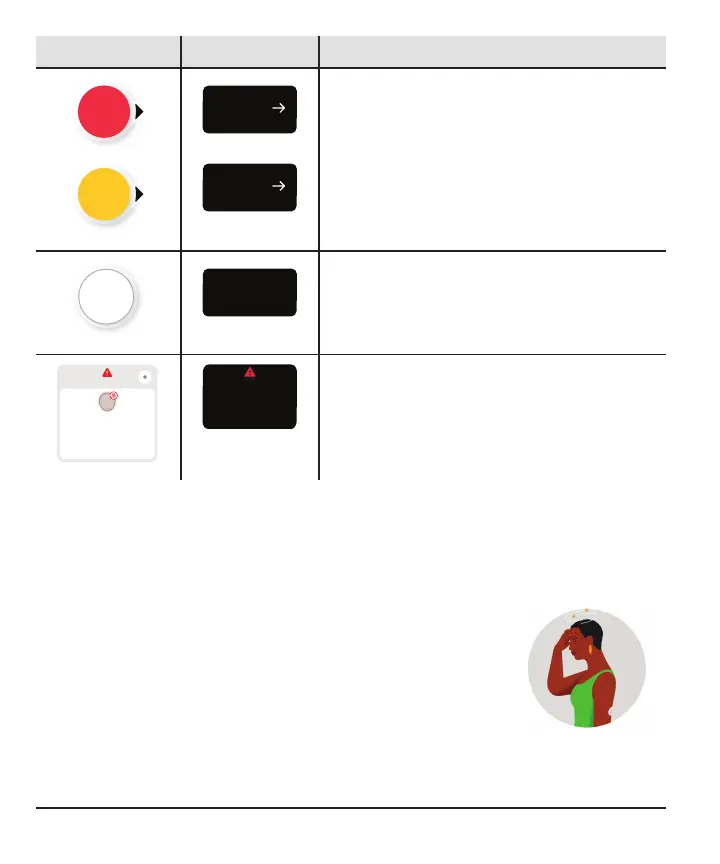
App Receiver What it means
No sensor reading: Use your BG meter to
treat.
No arrow: Use your BG meter to treat.
No Alerts
Signal Loss
Always keep phone within
20 feet of sensor.
Wait up to 30 minutes.
Help
Always keep receiver
within 20 feet of sensor.
Wait up to 30 minutes.
Signal Loss
System alert: When you have a system alert
(such as Signal Loss, shown here) you won't
get a sensor reading or arrow. Use your BG
meter to treat.
Symptoms don't match sensor readings
When how you feel doesn't match your sensor reading, use your BG meter to treat
even if you have a number and arrow. In other words, when in doubt, get your BG
meter out.
For example, you don't feel good, but your sensor readings
show you're in range. Wash your hands thoroughly and use your
BG meter. If the BG meter value matches your symptoms, use
the BG meter value to treat.
40



 To Next Page