16 REFERENCE & INSTALLATION MANUAL
5 ZONE PROGRAMMING
All detection devices connected to the control panel, keypads and zone expansion modules must be assigned to a zone and that zone must
be defined as described in this section:
Zone Numbering [001] to [048]:
• Serial number of the device/module
• Input number of the device/module
Zone Parameters [101] to [148]:
• Zone Definition
• Zone Partition Assignment
• Zone Options
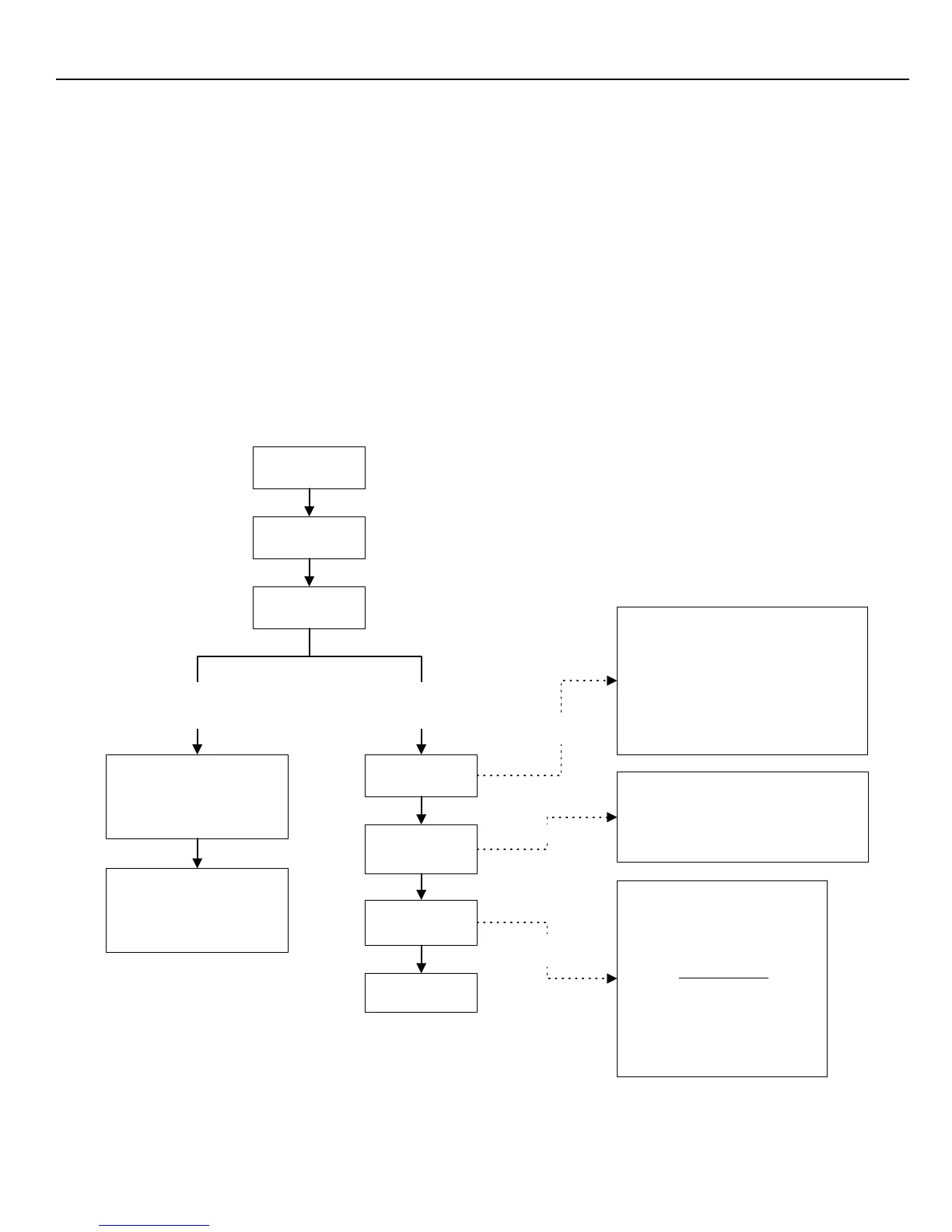
The Zone Numbering feature is used to individually assign each detection device to any desired zone in the Digiplex system (see section
5.1). The Zone Parameters define the type of zone, the zone's partition assignment and how the control panel will react when an alarm
condition occurs on that zone (see section 5.2 to section 5.4). For more information on the installation of devices and modules, please refer
to Figure 3-3 on page 8 or to their respective Installation Guides.
Figure 5-1: Zone Programming
Press & hold the
[0]
key
Zone Definition
First Digit
Zone Partition
Assignment
Second Digit
Zone Options
Feature Select
Enter the 8-digit
[SERIAL NUMBER]
of the bus
detection device or bus
module that has a hardwire
device connected to it.
Enter the module's 3-digit
[INPUT NUMBER]
where the
hardwire device is connected.
NOTE:
For motion detectors and
keypads no input # is required
Key in the
[INSTALLER CODE]
Zone Definitions
0- Disabled (Default)
1- Entry Delay 1 8- 24Hr Burglary
2- Entry Delay 2 9- Delayed 24Hr Fire
3- Entry Delay 3 A- Standard 24Hr Fire
4- Entry Delay 4 B- Stay Delay 1
5- Follow C- Stay Delay 2
6- Instant D- Stay Delay 3
7- 24Hr Buzzer E- Stay Delay 4
Zone Partition Assignment
1- Zone Assigned to Partition 1 (Default)
2- Zone Assigned to Partition 2
3- Zone Assigned to Partition 3
4- Zone Assigned to Partition 4
Zone Options
[1] Auto Zone Shutdown
[2] Bypass Zone (Default)
[3] Stay Zone
[4] Force Zone
[5] [6] Zone Alarm Type
off off Audible Alarm (steady)
off on Audible Alarm (pulsed)
on off Silent Alarm
on on Generates only a report
[7] Intellizone
[8] Delay before transmission
Press
[ENTER]
Key in 3-digit
[SECTION]
Select one only
Zone Parameters
Sections
[101]
to
[148]
represent
zones 1 to 48 respectively
Select
one only
Zone Numbering
Sections
[001]
to
[048]
represent
zones 1 to 48 respectively
Select one
or more



 To Next Page