99
Settings in Common
DIGNOケータイ3
Date & Time Settings
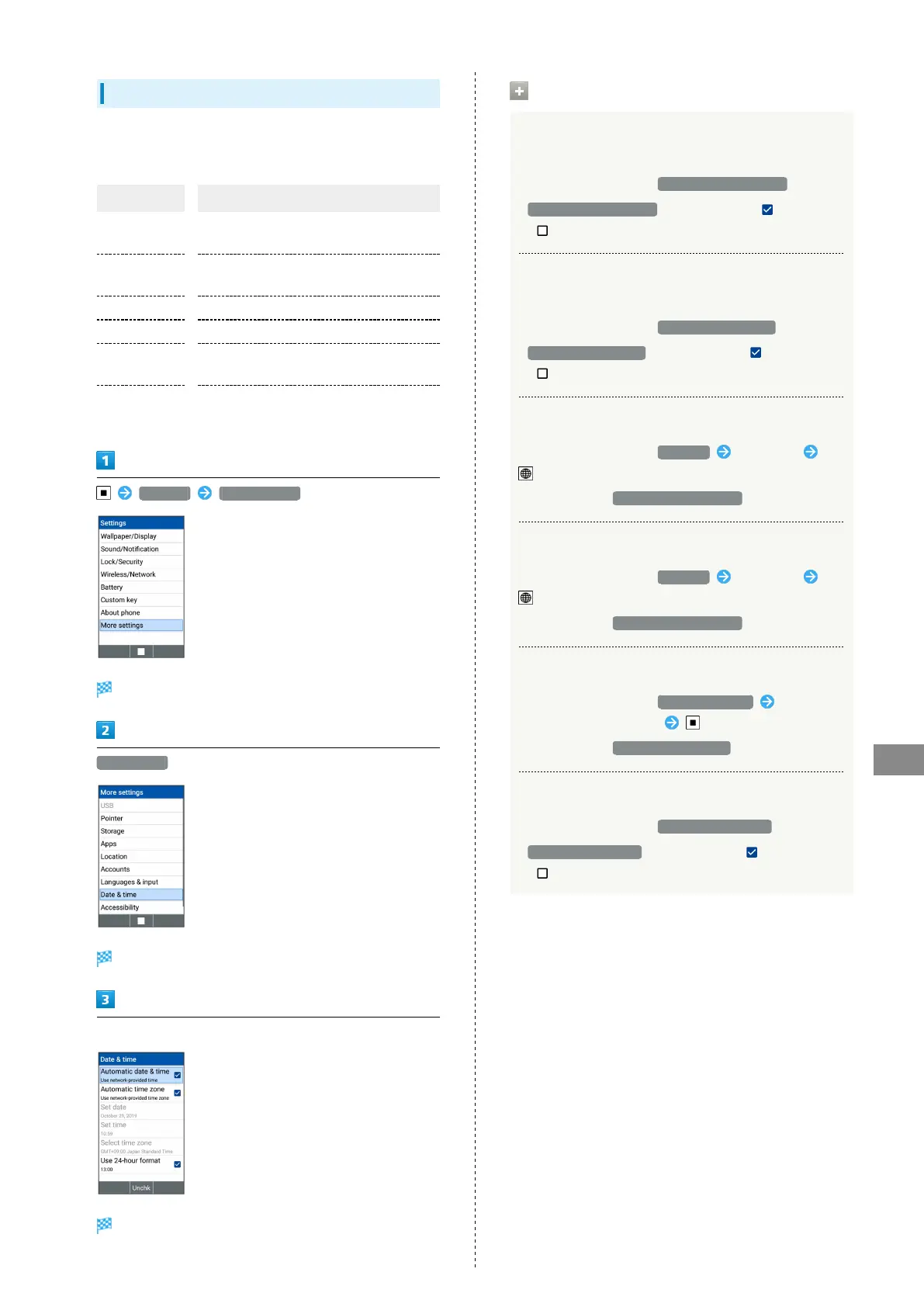
Make settings for date and time. Settable items are the
following.
Item Description
Automatic
date & time
Set whether to use the time provided by
the network.
Automatic
time zone
Set whether to use time zone provided by
network.
Set date Set date manually.
Set time Set time manually.
Select time
zone
Set time zone manually.
Use 24-hour
format
Set whether to use 24-hour format.
Settings More settings
More settings open.
Date & time
Date & time window opens.
Set each item
Setting is complete.
Operations on Using Date & Time
Setting whether to Use the Time Provided by
the Network
In Date & time window, Automatic date & time
・
Automatic date & time to toggle check ( )/uncheck
( )
Setting whether to Use Time Zone Provided by
Network
In Date & time window, Automatic time zone
・
Automatic time zone to toggle check ( )/uncheck
( )
Setting Date Manually
In Date & time window, Set date Enter date
(Done)
・
Settable when Automatic date & time is disabled.
Setting Time Manually
In Date & time window, Set time Enter time
(Done)
・
Settable when Automatic date & time is disabled.
Setting Time Zone Manually
In Date & time window, Select time zone Select
country/region/city name
・
Settable when Automatic time zone is disabled.
Setting whether to Use 24-Hour Format
In Date & time window, Use 24-hour format
・
Use 24-hour format to toggle check ( )/uncheck
( )



 To Next Page