56
Messaging
S! Mail
Exchange long text messages with S! Mail-compatible SoftBank
handsets, other mobile providers' terminals, computers/other
email-compatible devices. Attach media files for multimedia
messaging.
SMS
Exchange text messages (up to 1530 single-byte characters)
using handset phone numbers as addresses. (Equivalent to 10
messages)
・One message can contain 160 single-byte characters,
and if the message contains 161 to 306 characters, it is
equivalent to 2 messages. As the number of characters
increases every 153 single-byte characters, the number of
messages also increases up to 10 within the maximum 1530
characters.
PC Mail
Use email (POP3/IMAP4) on handset.
・Set up a PC Mail account beforehand.
・Exchanging PC Mail on handset syncs handset and mail
server; exchanged messages (in the POP protocol, received
messages only) are also accessible from PCs.
Customizing Handset Address
Changing and saving a mail address for exchanging S! Mail is
described.
Changing Address
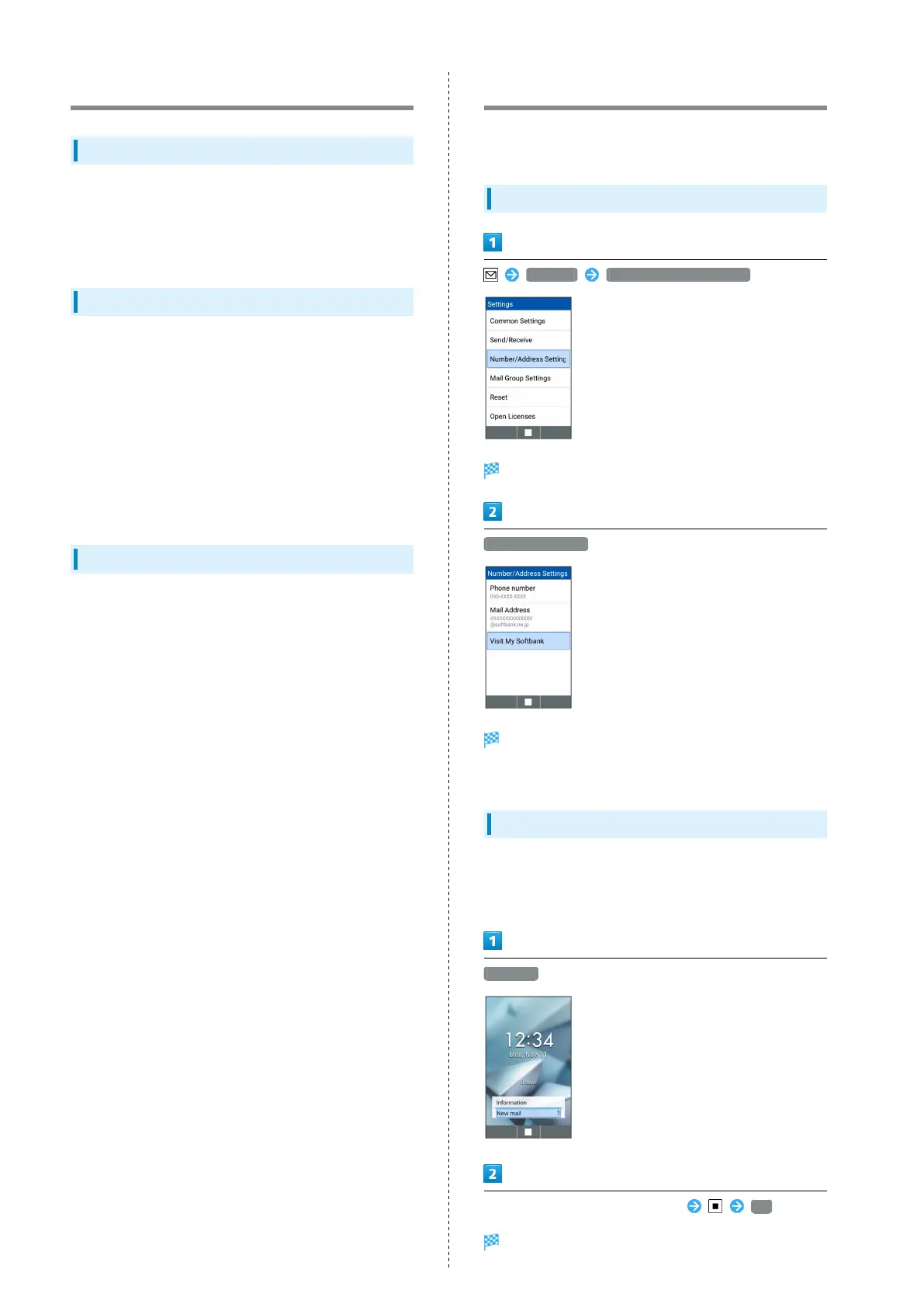
Settings Number/Address Settings
Number/Address Settings open.
Visit My SoftBank
Handset accesses My SoftBank.
・Follow onscreen prompts.
Saving Address
When handset address is changed, SoftBank Corp. sends new
address confirmation to handset.
To save handset address to handset:
New mail
Select message from SoftBank Corp. OK
Handset address is saved to handset.



 To Next Page