84
Wallpaper & Display Settings
Wallpaper & Display Settings
Set Wallpaper, Display brightness, etc. Settable items are the
following.
Item Description
Wallpaper
Set Preset wallpapers, Live wallpapers, or
Data Folder for Standby.
Brightness
level
Set Display brightness.
Backlight time
Set period of inactivity after which
Display turns off automatically.
Key backlight Toggle key backlight on/off.
Font size Set the size of displayed text.
Sub-display
Set whether caller/sender appears in Sub-
display.
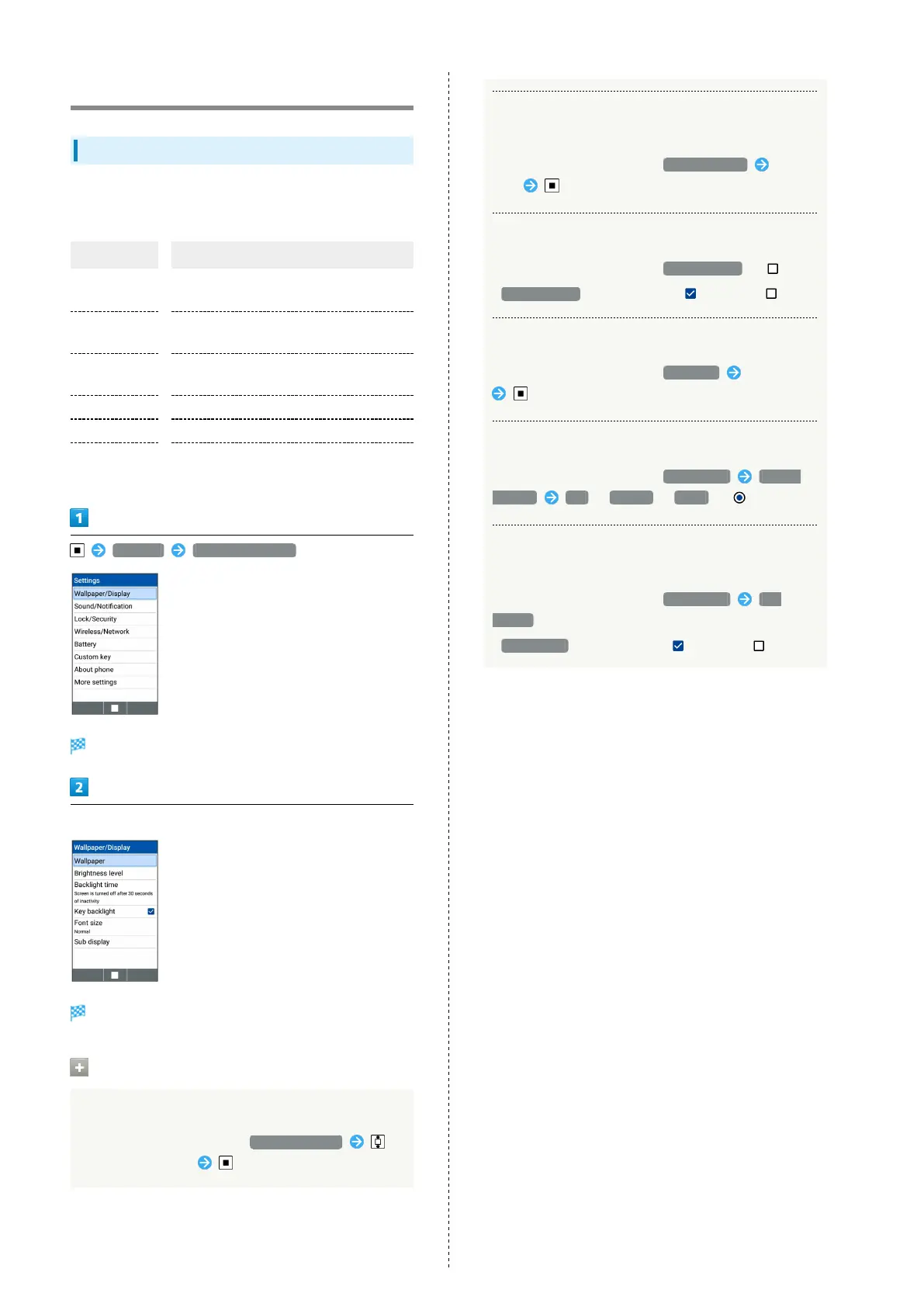
Settings Wallpaper/Display
Wallpaper/display window opens.
Set each item
Setting is complete.
Operations on Using Wallpaper/Display
Setting Display Brightness
In Wallpaper/Display window, Brightness level
to adjust brightness
Setting Period of Inactivity after which Display
Turns Off Automatically.
In Wallpaper/Display window, Backlight time Select
time
Canceling Key Backlight
In Wallpaper/Display window, Key backlight ( )
・
Key backlight to toggle check ( )/uncheck ( )
Setting the Size of Displayed Text (Menu)
In Wallpaper/Display window, Font size Select size
Setting Display Pattern on Sub-Display
In Wallpaper/Display window, Sub display Display
pattern Big / Normal / Small ( )
Setting whether Caller/Sender Appears in Sub-
Display.
In Wallpaper/Display window, Sub display Sub
display
・
Sub display to toggle check ( )/uncheck ( )



 To Next Page