94
Device Info & Settings
Device Info & Settings
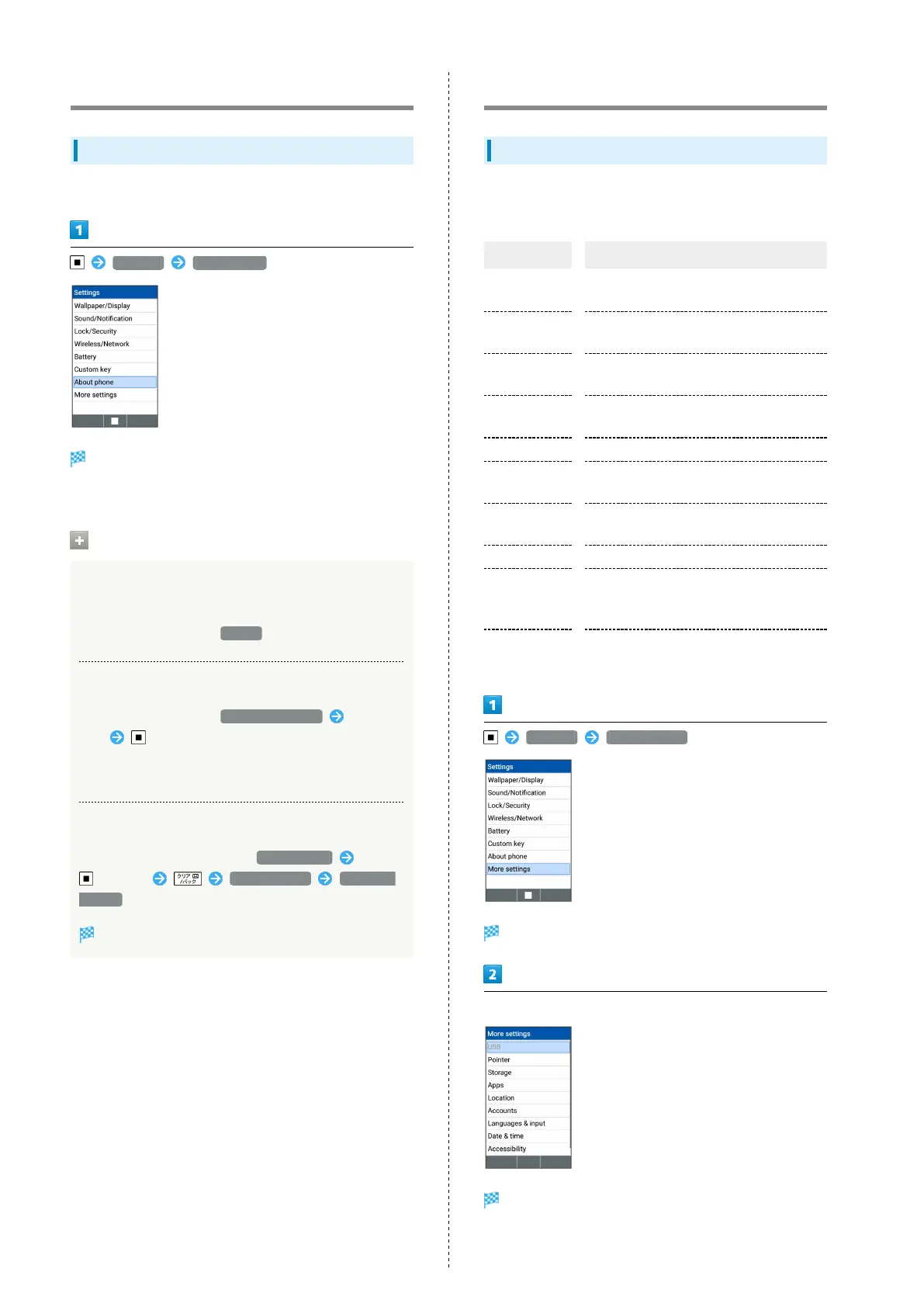
Check handset status.
Settings About phone
Device info window opens.
・See "Updating Software" for details on software updates.
Operations on Device Info
Checking Handset Status such as Battery
Status or Phone Number
In About phone window, Status
Checking Legal Information
In About phone window, Legal information Select
item
・This handset complies with technical standards based on
Radio Law and Telecommunications Business Law.
Displaying Developer Options
In About phone window, select Build number Press
7 times More settings Developer
options
Developer options window opens.
More settings
More settings
Make settings for other functions. Settable items are the
following.
Item Description
USB
Make settings for operations when
connected to PC via USB.
Pointer
Set Pointer activation indicator on/off
and Pointer Size.
Storage
Check handset memory/SD Card space,
mount an SD Card, and erase SD Card data.
Apps
Check information for installed and
running applications.
Location Make settings for location information.
Accounts
Add accounts. Make settings for
synchronizing accounts.
Languages &
input
Set displayed language, character entry,
etc.
Date & time Make settings for date and time.
Accessibility
Make user accessibility settings for
increased handset convenience such as
captions and large text.
Reset options
Reset settings or erase all data (reset to
factory default).
Settings More settings
More settings open.
Set each item
Setting is complete.



 To Next Page