36
Airplane Mode Caution
Activating Airplane mode disables Wi-Fi and Bluetooth
®
,
interrupting corresponding transmissions.
Wi-Fi and Bluetooth
®
connections can be used even in
Airplane mode by enabling Wi-Fi or Bluetooth
®
after
activating Airplane mode ; make sure that such
connection/transmission is permitted in your current
location before use.
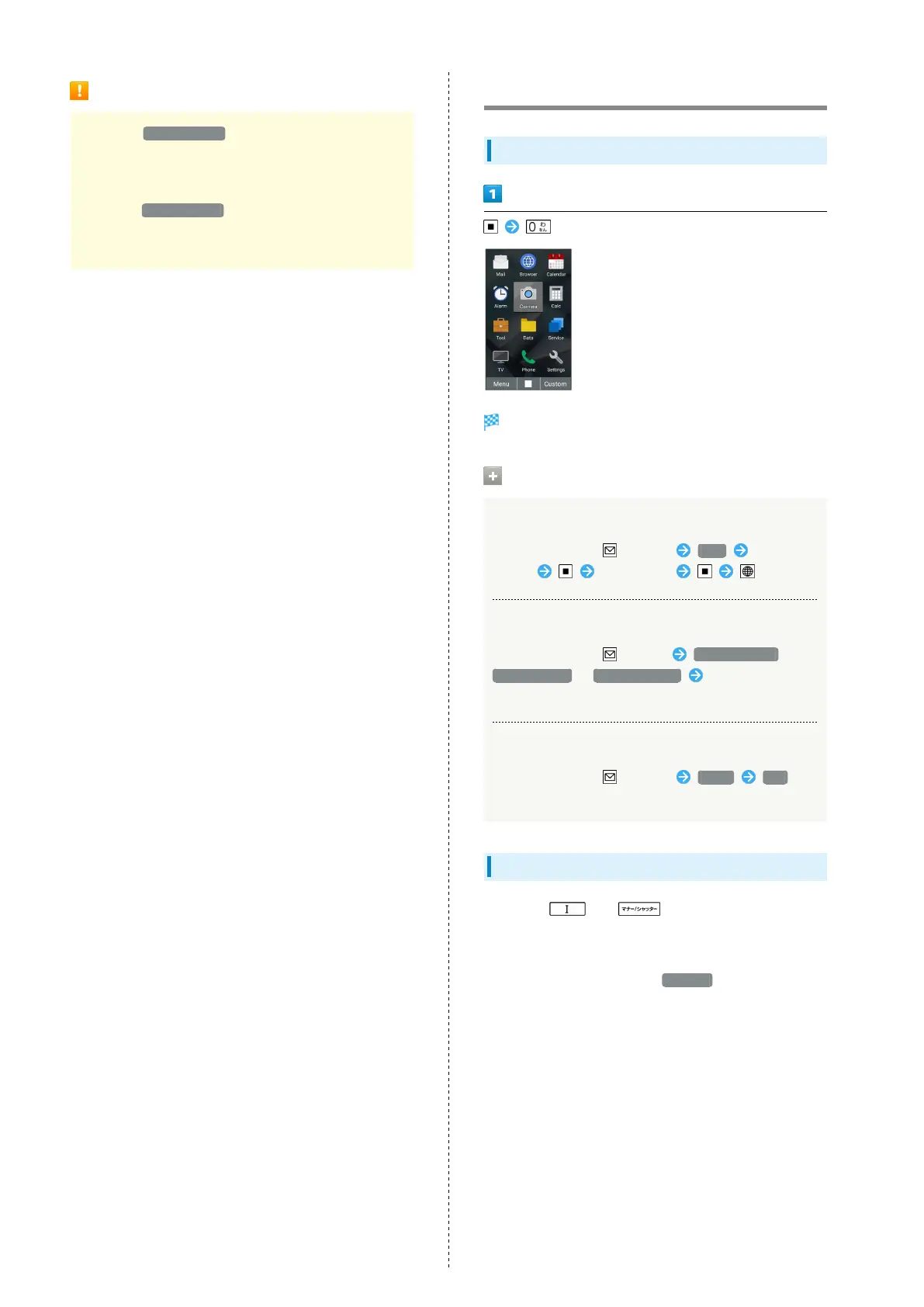
Other Basic Operations
Checking Your Phone Number
Handset phone number appears in profile window.
Operations on Checking Profile
Editing profile
In Profile window, (Menu) Edit Select item
to edit Edit content (Set)
Sending profile
In Profile window, (Menu) Attach to mail /
Send Infrared / Send Bluetooth Follow onscreen
instructions
Deleting saved content
In Profile window, (Menu) Reset Yes
・Contents saved beforehand are not deleted.
Capturing Screenshots
Long Press and at the same time to capture
a screenshot of the current screen.
・Available for all but some applications.
・
View captured screenshots in Pictures in Data Folder.



 To Next Page