93
Settings in Common
DIGNOケータイ3
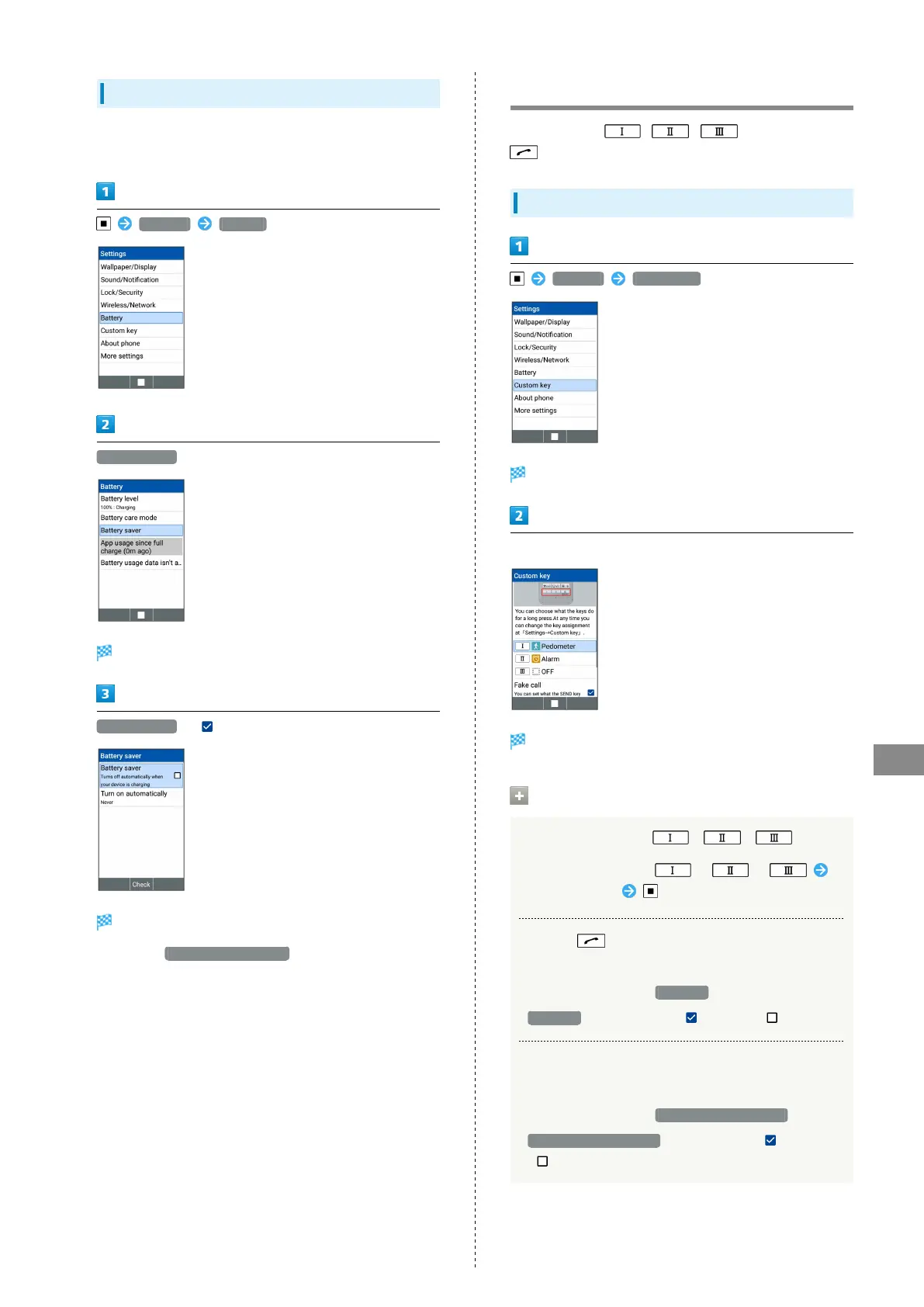
Using Battery Saver
Battery consumption can be reduced when the battery level is
low.
Settings Battery
Battery saver
Battery saver screen appears.
Battery saver ( )
Battery saver is set.
・
Selecting Turn on automatically activates battery saver
automatically when the battery remaining level reaches the
level you set.
Custom Key Settings
Set action when / / is pressed or
is Long Pressed.
Custom Key Settings
Settings Custom key
Custom key settings open.
Set each item
Setting is complete.
Custom Key Setting Operations
Setting Action for / /
In Custom Key window, / /
Select application
Setting (Start Key) Long Press to
Activate Fake Call
In Custom Key window, Fake call
・
Fake call to toggle check ( )/uncheck ( )
Setting whether to Display Functions Assigned
to Custom Keys on Home Screen
In Custom Key window, Display on Home screen
・
Display on Home screen to toggle check ( )/uncheck
( ).



 To Next Page