32
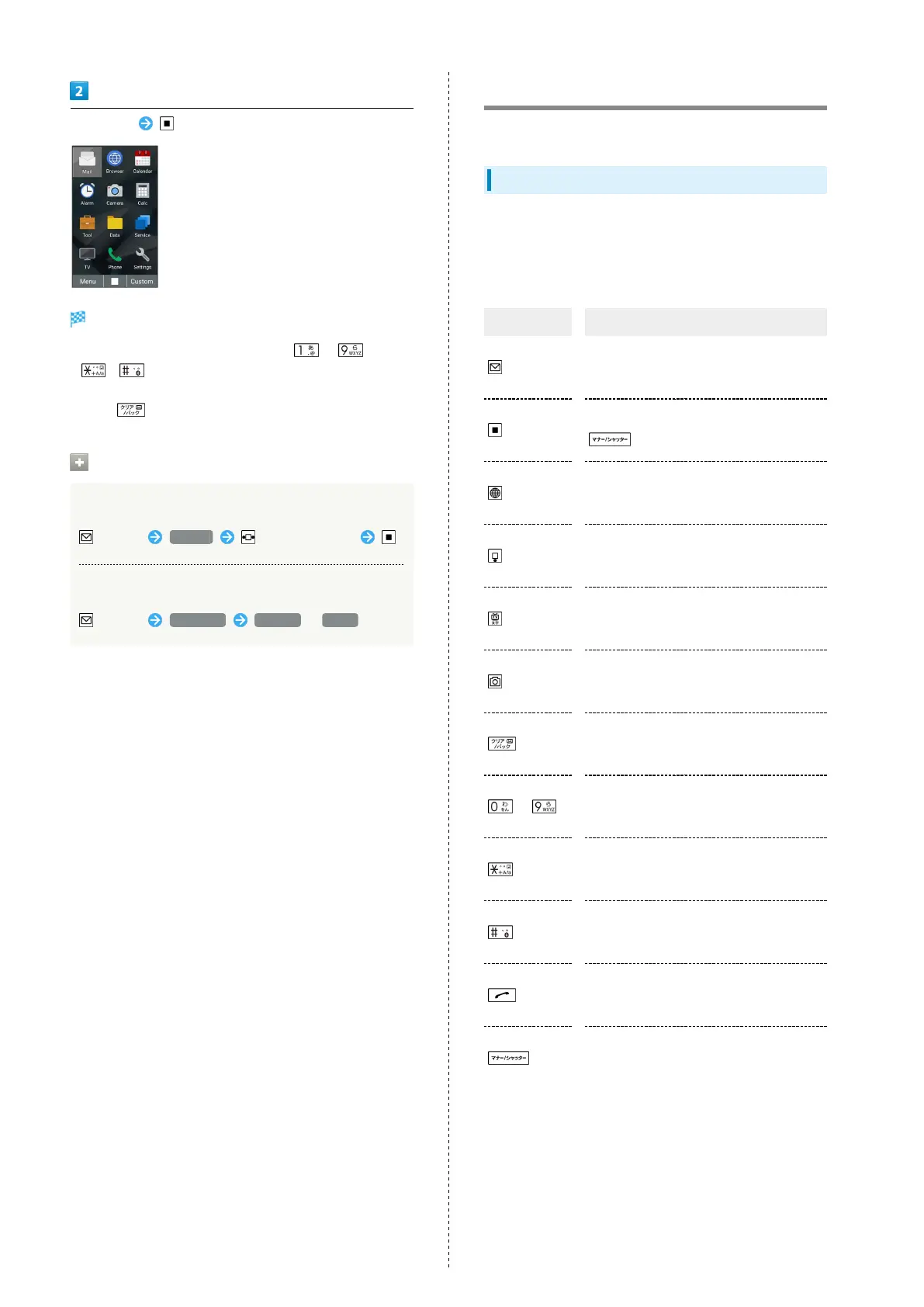
Select item
Function activates/opens.
・
Menu items are assigned to Dial Keys ( - ,
, ). Press keys to activate/access applications and
functions.
・
Press to go back one screen.
Operations on Using Main Menu
Changing Menu layout
(Menu) Layout to select layout
Changing Menu font size
(Menu) Font size Medium / Large
Accessing Applications
Access applications in one of several ways. Use as convenient.
Key Long Press
Long Press keys to access the following pre-saved applications
and functions.
・Functions may not be available depending on handset usage
when accessed.
Operation Description
In Standby,
(Long
Press)
Create new S! Mail.
In Standby,
(Long
Press)
Lock/unlock operation (key lock) of
(Side Key) when handset closed.
In Standby,
(Long
Press)
Open Browser menu.
In Standby,
(Long
Press)
Save new entry to Phone Book.
In Standby,
(Long
Press)
Turn on Flashlight.
In Standby,
(Long
Press)
Activate Data Folder.
In Standby,
(Long
Press)
Auto answering on/off.
In Standby,
-
(Long Press)
Search Phone Book.
In Standby,
(Long
Press)
Make international call (open menu to add
"+" and make call).
In Standby,
(Long
Press)
Bluetooth
®
on/off.
In Standby,
(Long
Press)
Activate Fake call.
In Standby,
(Long
Press)
Enter/exit Manner mode.



 To Next Page