85
Settings in Common
DIGNOケータイ3
Sound & Notification Settings
Sound & Notification Settings
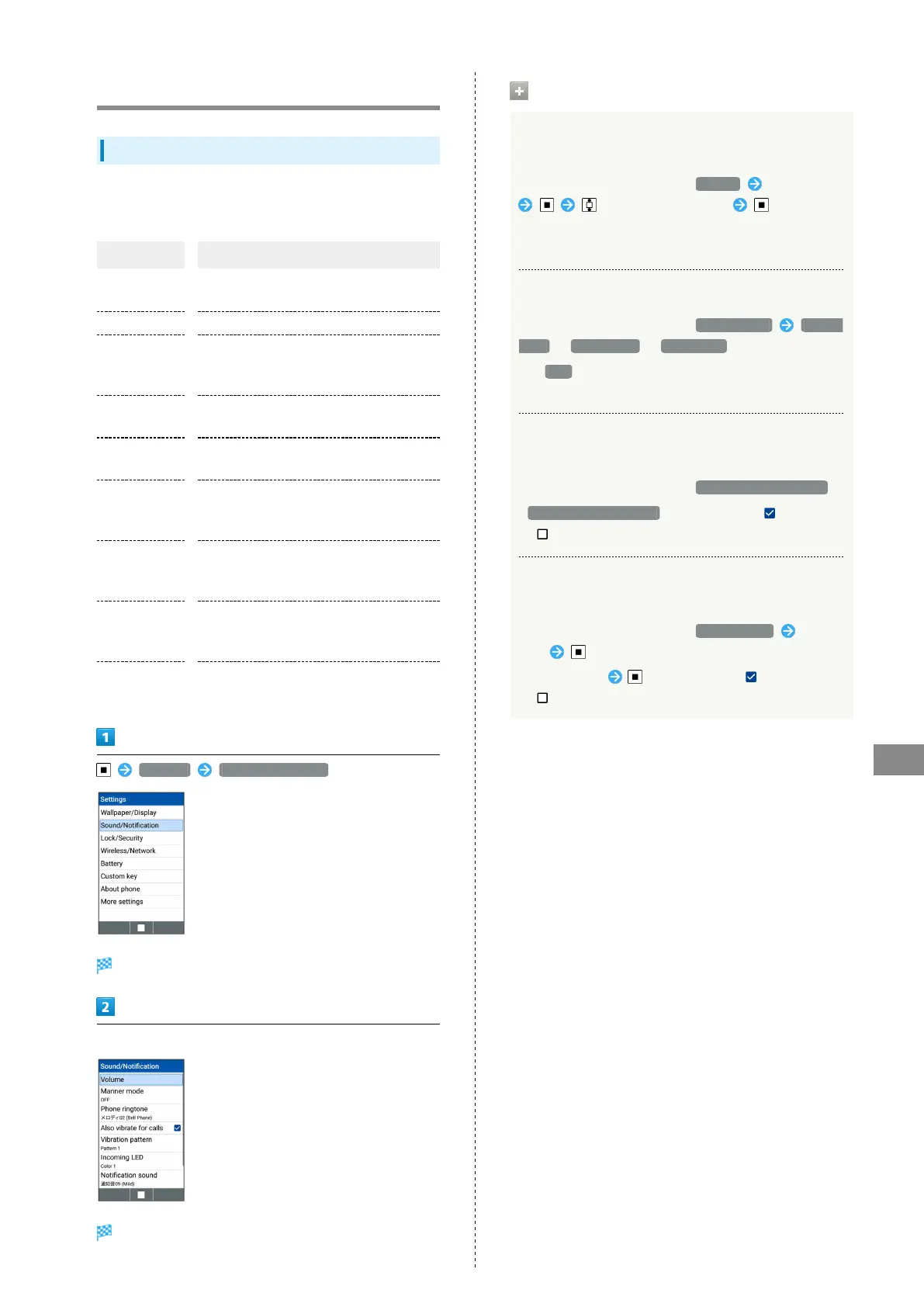
Set Manner mode as well as make settings for ringtone,
operation tones, etc. Settable items are the following.
Item Description
Volume
Set volume for ringtone, operation tones,
etc.
Manner mode Set Manner mode.
Phone
ringtone
Set ringtone.
For details, see "Changing Handset
Response to Calls & Mail."
Also vibrate
for calls
Set vibration for new calls on/off.
Vibration
pattern
Set vibration pattern.
Incoming LED
Set LED for new calls and mail.
For details, see "Changing Handset
Response to Calls & Mail."
Notification
sound
Set ringtone for new mail.
For details, see "Changing Handset
Response to Calls & Mail."
Pulse
notification
light
Set whether Incoming LED flashes for new
mail and notifications.
Other sounds
Set operations sounds, handset opening/
closing sounds, etc.
Settings Sound/Notification
Sound/Notification window opens.
Set each item
Setting is complete.
Operations on Using Sound/Notification
Setting Volume for Ringtone, Operation Tones,
etc.
In Sound/Notification window, Volume Select item
to select volume level .
・When manner mode is set, volume level cannot be selected
for some item depending on the mode.
Activating Manner Mode
In Sound/Notification window, Manner mode Manner
mode / Silent mode / Drive mode .
・
If OFF is selected, handset does not enter Manner
mode.
Setting whether Incoming LED Flashes for New
Mail and Notifications.
In Sound/Notification window, Pulse notification light .
・
Pulse notification light to toggle check ( )/uncheck
( ).
Setting Operations Sounds, Handset Opening/
Closing Sounds, etc.
In Sound/Notification window, Other sounds Select
item
・
Select an item to toggle check ( )/uncheck
( ).



 To Next Page