59
Messaging
DIGNOケータイ3
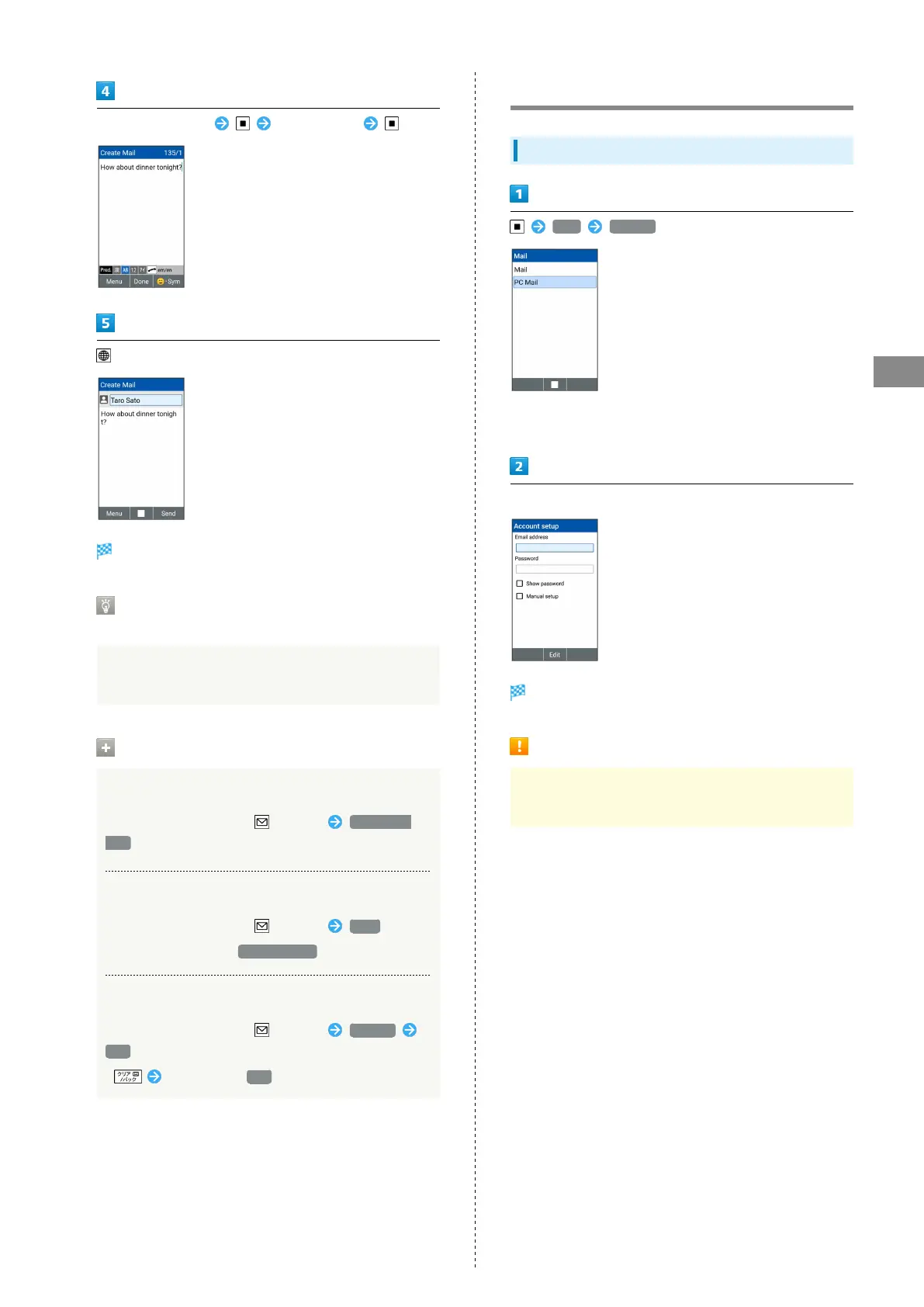
Select Message field Enter message
(Send)
SMS is sent.
If More than the Sendable Number of
Characters are Entered
Prompt appears indicating limit is exceeded. Switch to S!
Mail.
Operations on Sending SMS
Converting SMS Draft to S! Mail
In window to create SMS, (Menu) Convert to
Mail
Saving SMS
In window to create SMS, (Menu) Save
・
The draft is saved to Draft/Unsent .
Discarding SMS
In window to create SMS, (Menu) Discard
Yes
・
Alternatively, Yes .
Using PC Mail
Setting an Account
Mail PC Mail
・If no account is set, a setup window opens.
・If confirmation appears, follow onscreen instructions.
Follow onscreen instructions to set up account
Account is set up.
Caution on PC Mail Setting
Check information such as user ID, password, and server
name used for your PC Mail (Email).



 To Next Page