57
Messaging
DIGNOケータイ3
Sending S! Mail
Sending S! Mail
(Long Press)
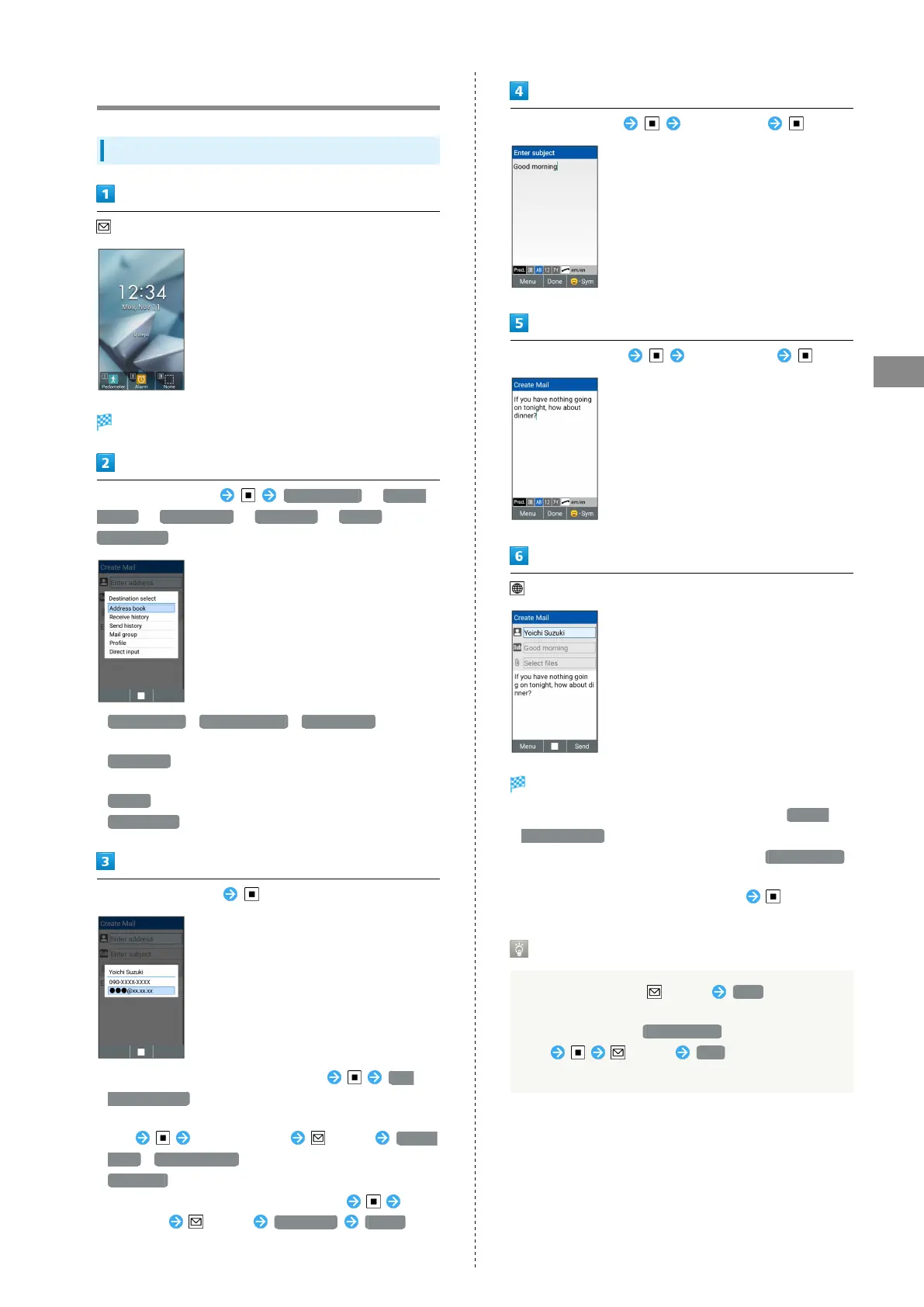
Window for creating S! Mail opens.
Select Recipient field Address book / Receive
history / Send history / Mail group / Profile /
Direct input
・
Address book / Receive history / Send history to select
a recipient from Phone Book or receive and send histories.
・
Mail group to select a mail group and send to recipients in
the group.
・
Profile to select a recipient from the profile.
・
Direct input to enter address manually.
Select/enter recipient
・
To add recipients, select Recipient field ADD
DESTINATIONS .
・To change recipients to Cc or Bcc, select Recipient
field Select a recipient (Menu) Change
to CC / Change to BCC . To return them to the To field,
Change to .
・
To delete a recipient, select Recipient field Select
a recipient (Menu) Delete one Delete .
Select Subject field Enter subject
Select Message field Enter message
(Send)
S! Mail is sent.
・
Confirmation appears before message is sent if Prompt
before sending enabled in send settings.
・
If message could not be sent, it is saved to Draft/Unsent
as an unsent message.
・
To attach a file, select Attachment field .
Draft
While creating S! Mail, (Menu) Save to save mail
in preparation as a draft.
The draft is saved to Draft/Unsent . Select a
draft (Menu) Edit to resume the draft
and send.



 To Next Page