70
Scanning QR Code (Bar code)
Scanning QR Code (Bar code)
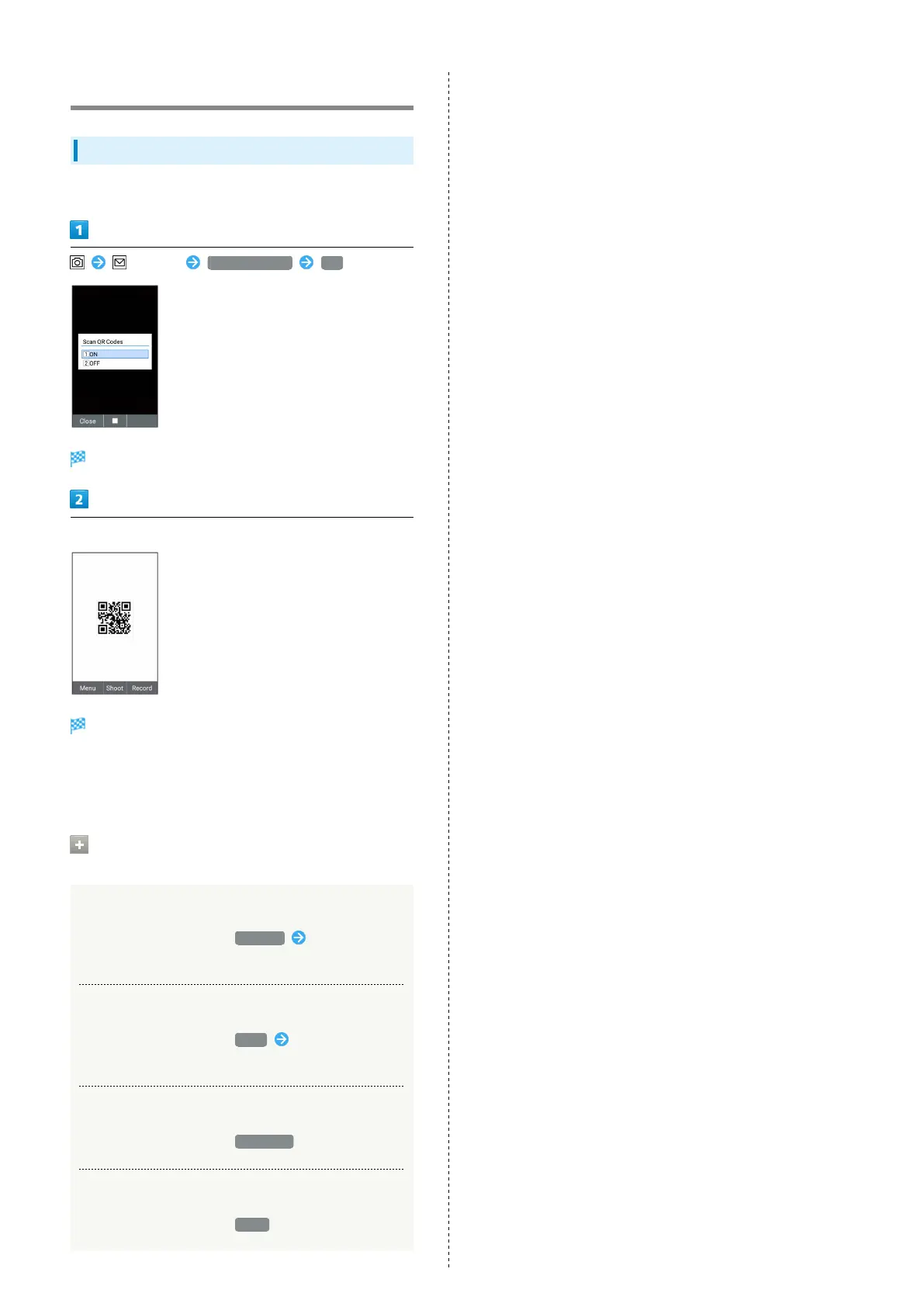
Scan QR code or JAN code for web search, etc.
(Menu) Scan QR Codes ON
QR code (bar code) scanning function activates.
Aim at a QR code (bar code) to appear it on handset display.
QR code (bar code) is scanned automatically and the
result appears on handset display.
・QR code or JAN code may not be scanned correctly
depending on its type or size.
Operations on Scanning QR Code (Bar
code)
Searching by Scanned Data
In scanning result window, Browser Follow onscreen
prompts
Copying Scanned Data
In scanning result window, Copy Follow onscreen
prompts
Checking Scanned Data
In scanning result window, Scan data
Closing Scanning Result Screen
In scanning result window, Close



 To Next Page