69
Camera/Image Editing
DIGNOケータイ3
Recording Videos
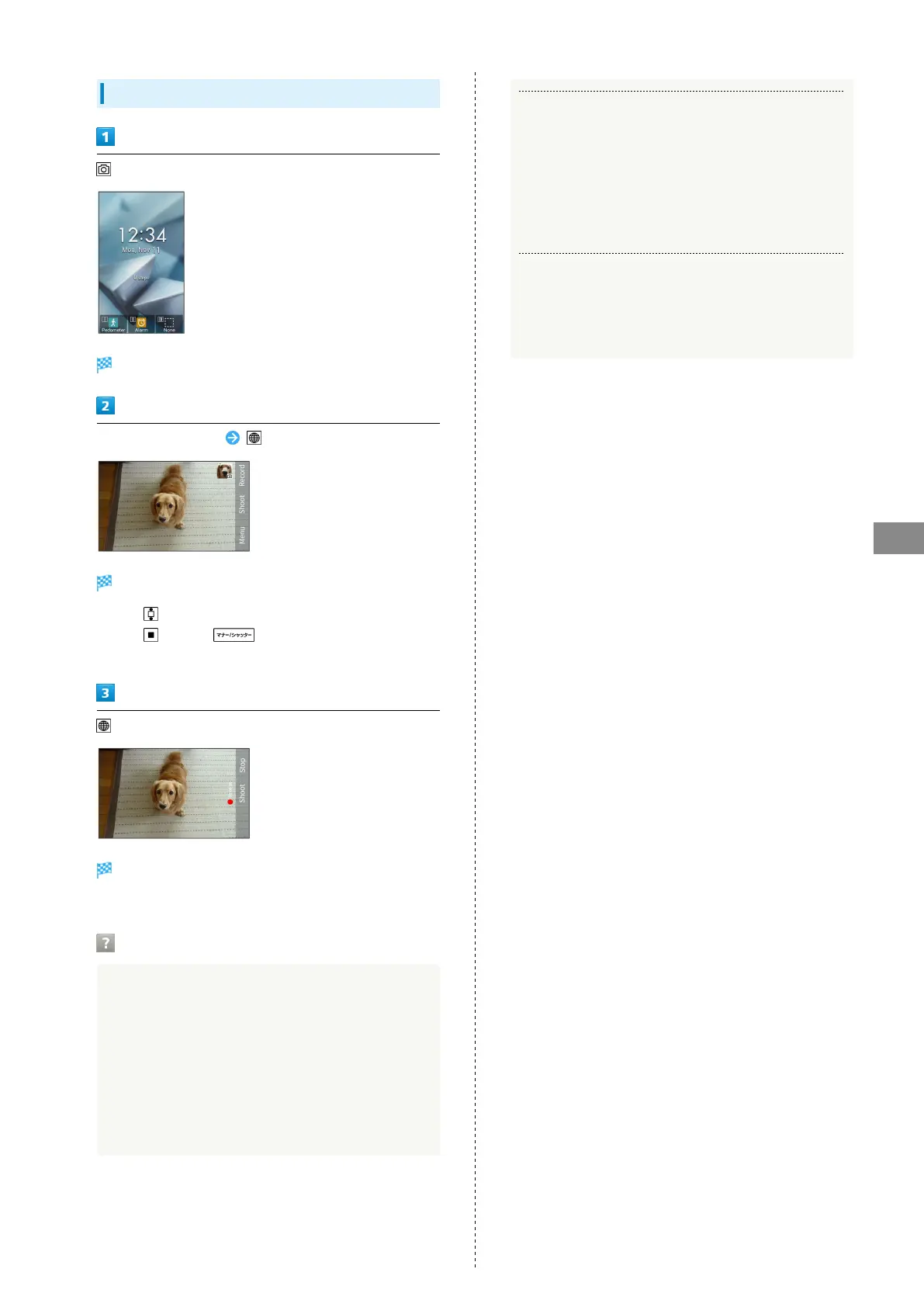
Video Viewfinder opens.
Aim Camera at subject (Record)
Tone sounds and recording starts.
・
Press to zoom in or out.
・
Press (Shoot)/ during video recording to
capture a photo.
(Stop)
Tone sounds and recording stops; video is saved to
handset memory.
Troubleshooting
Q. Camera does not activate/shuts down automatically.
A. Does not activate when the battery level is low. Charge
handset sufficiently beforehand when you use Camera.
A. If handset is used with internal temperature high, a
warning screen appears, data is saved, and then camera
shuts down automatically.
A. If no operation is done after Camera activates, it shuts
down automatically.
Q. Image is dark/blocky.
A. There is a strong light around the subject or strong
light source is on the screen. Avoid capturing photos
with a strong light source such as sun or lamp. In
addition, image may be deteriorated if handset is left
in a warm place for a long time or camera is exposed to
direct sunlight for a long time.
Q. Image looks whitish when taken with Capture Light.
A. If you put a finger or cover around the lens, captured
image may look whitish due to reflection of Capture
Light.



 To Next Page