95
Settings in Common
DIGNOケータイ3
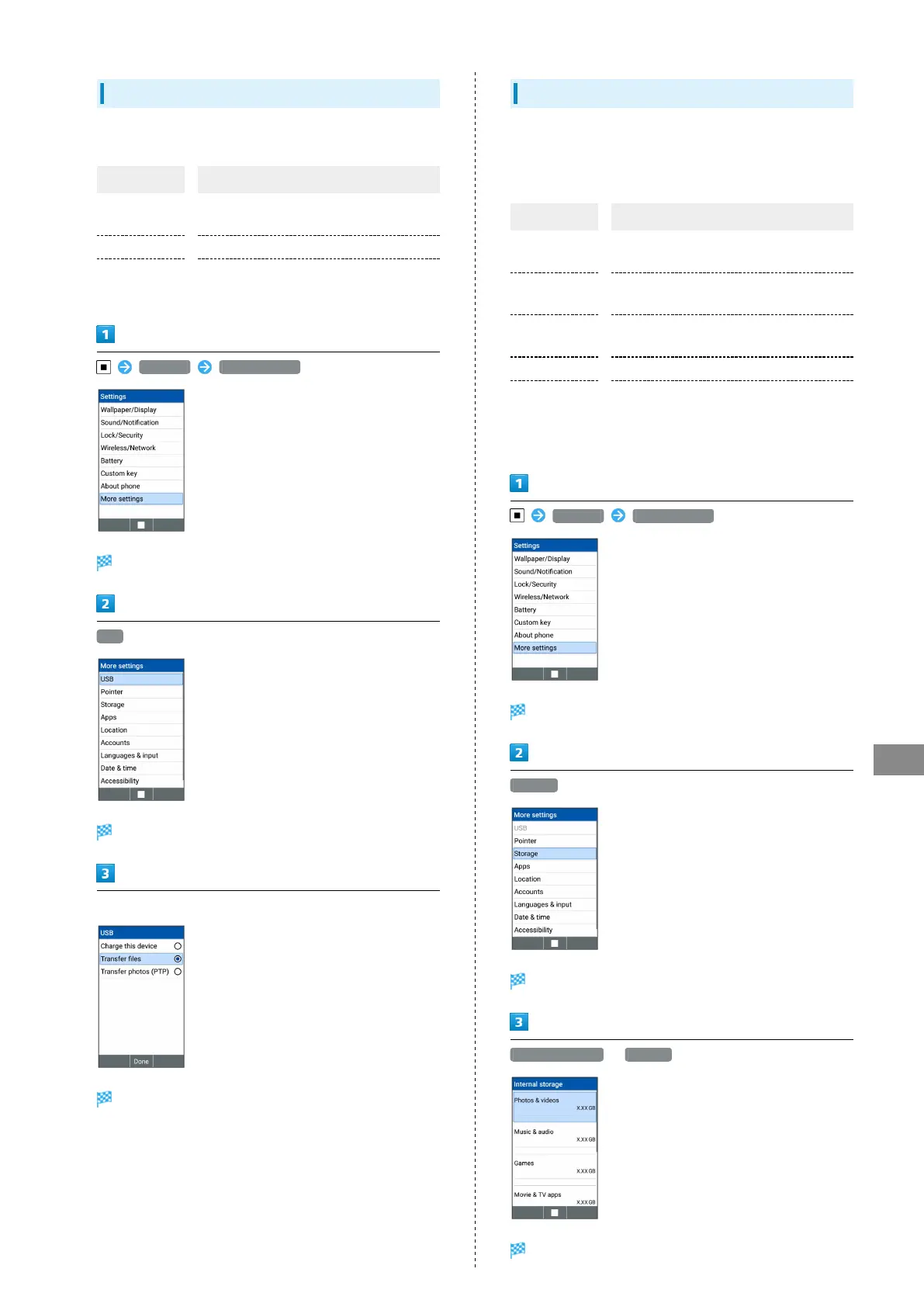
USB Settings
Make settings for operations when connected to PC via USB.
Item Description
Charge this
device
Charge handset.
Transfer files Transfer files saved on handset.
Transfer
photos (PTP)
Transfer photos saved on handset.
Settings More settings
More settings open.
USB
USB window opens.
Set charging/transferring method
Setting is complete.
Storage Settings
Check handset and SD Card memory space, mount or unmount
SD Card, erase SD Card files, and use other options. Settable
items are the following.
Item Description
Total space
Check total handset memory/SD Card
space.
Available
Check free handset memory/SD Card
space.
Unmount SD
card
Unmount SD Card to remove it safely.
Mount SD card Mount SD Card for use on handset.
Erase SD card
Format SD Card.
For details, see "Formatting SD Card."
・Items appearing depend on state of SD Card.
Settings More settings
More settings open.
Storage
Storage window opens.
Internal storage / SD card
Setting is complete.



 To Next Page