26
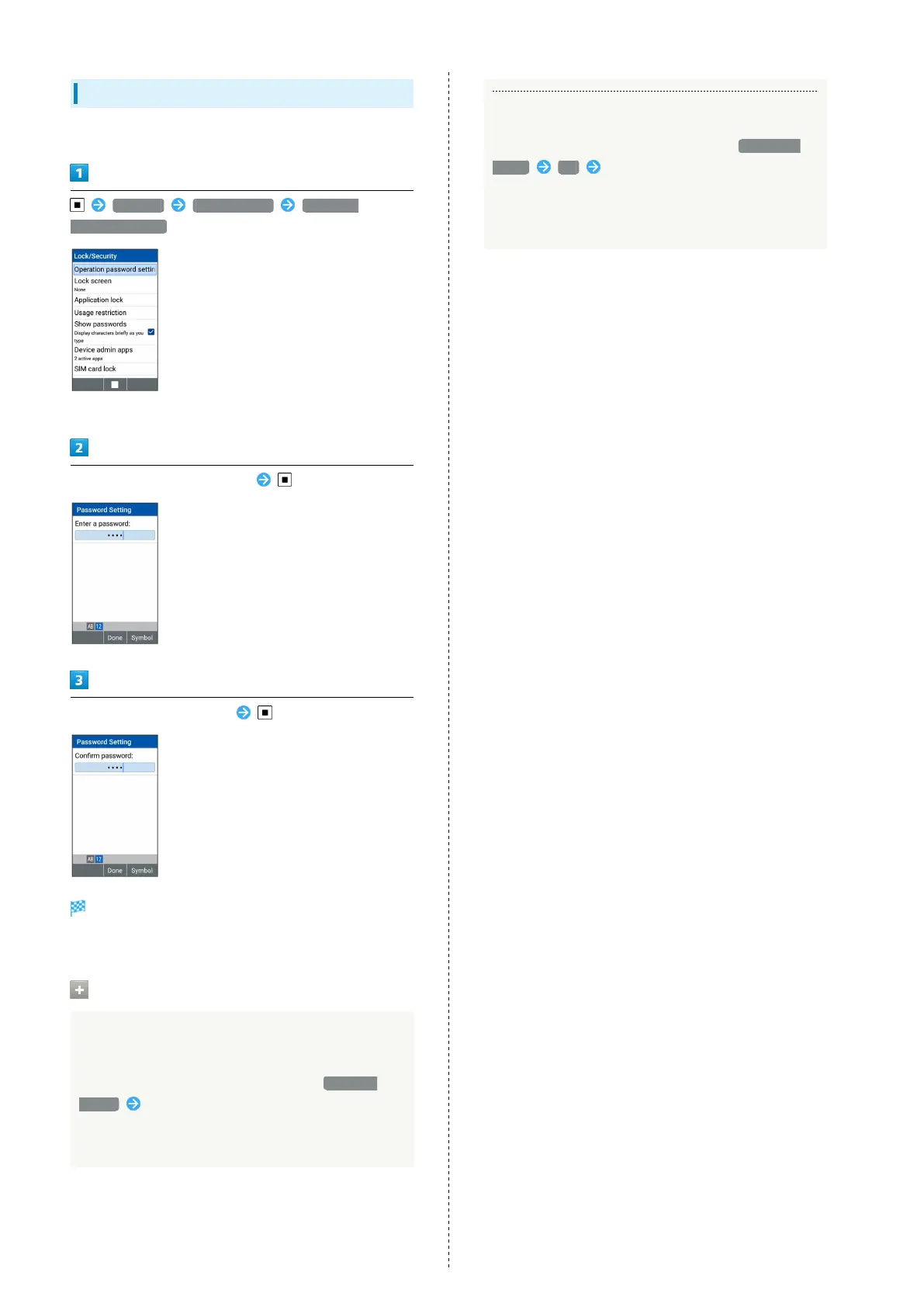
Setting Operation Password
Set a four- to eight-digit code.
Settings Lock/Security Operation
password setting
・If confirmation appears, follow onscreen prompts.
Enter Operation Password to set
Re-enter Operation Password
Operation Password is set.
・If confirmation appears, follow onscreen prompts.
Entering Operation Password
Changing Operation Password
In screen for entering Operation Password to activate
All Reset, locks for function, and settings, Password
change Follow onscreen prompts
・Current Operation Password must be entered to change
Operation Password.
Resetting Operation Password
In screen for entering Operation Password, PASSWORD
RESET OK Follow onscreen prompts
・My SoftBank authentication is required to reset
Operation Password. Set My SoftBank authentication
from My SoftBank Website.



 To Next Page