45
Phone
DIGNOケータイ3
Operations on Placing Calls
Saving Dialed Phone Number to Phone Book
Dial number (Register) Add new entry /
Add to entry
Phone Book edit window opens.
・
If you select Add to entry , select destination from
Phone Book.
Checking History
In dial window, (Menu) History Outgoing
History / Incoming History
Displaying SMS Creating Window with Dialed
Phone Number on Destination
Dial number (Call) Create SMS
SMS creating window appears.
Placing Calls with Additional Number
Dial number (Call) Add Special No.
184 / 186 / Intl Call
・
If you select Intl Call , select country code of other
party.
Pasting Copy on Dial Window
In dial window, (Menu) Paste
Entering Pause
Dial number (Menu) Add wait (;) / Add
pause (,)
・
Alternately, long press to enter pause (;).
Displaying Call Settings
In dial window, (Menu) Call Settings
Troubleshooting
Q. Cannot place calls.
A. Is screen lock enabled? Disable screen lock.
A. Is Airplane Mode enabled? Disable Airplane Mode.
Q. Calls cannot be connected.
A. Are you sure you dialed all digits of phone number?
Dial all digits of phone number including area code
(beginning with "0").
A. Is signal reception good? Move to where signal
reception is good and re-dial the number.
Answering Calls
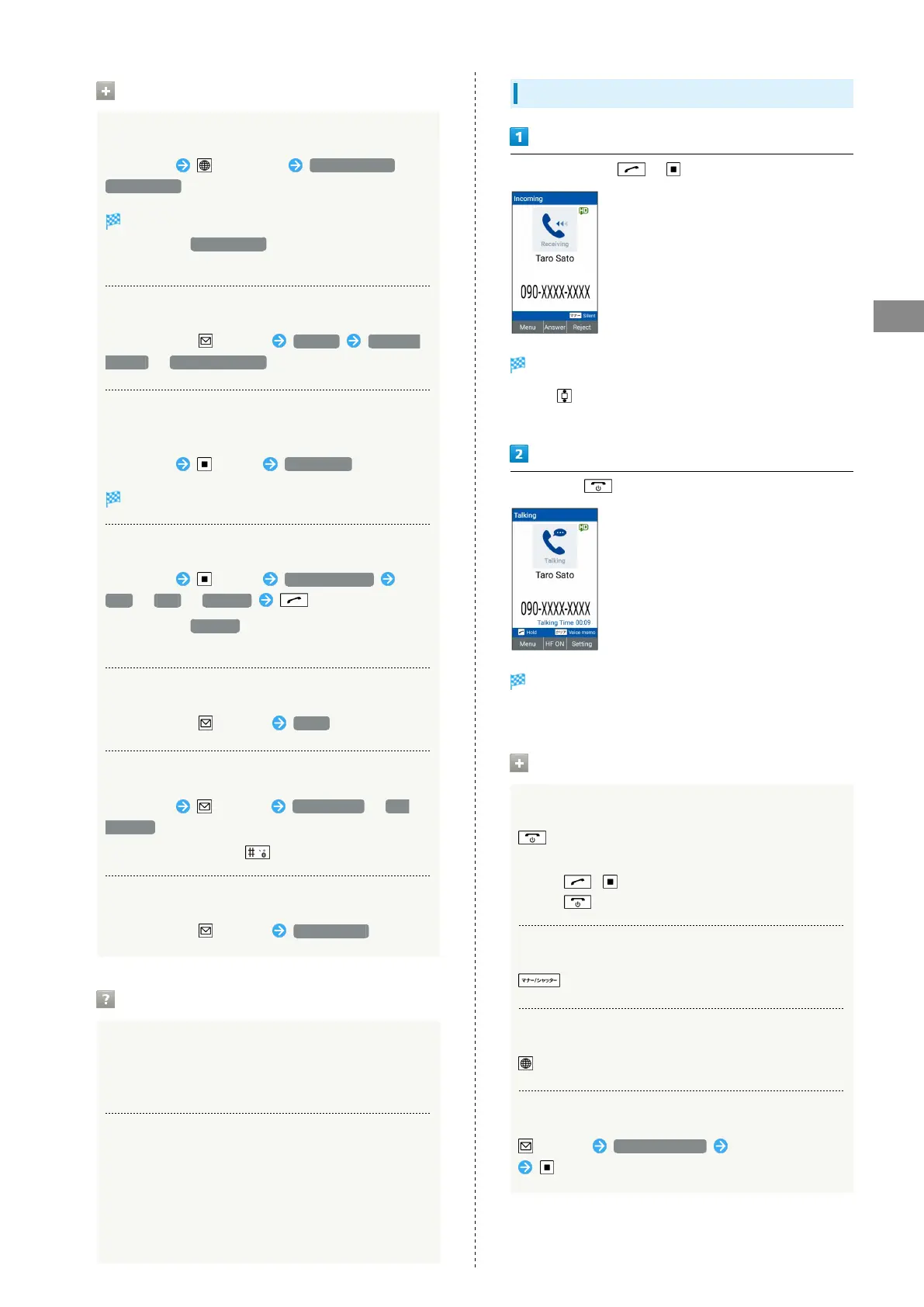
When call arrives, / (Answer)
Proceed with call.
・
Press as a call is arriving to change the ringtone
volume.
To end call,
Call ends.
・Alternatively, close handset to end call.
Operations on Answering Calls
Holding Incoming Call
when a call is arriving
・A fee is charged to other party while holding.
・
Press / (Answer) to answer a call while holding.
・
Press to end call while holding.
Stopping Ringtone or Vibration
(Silent) when a call is arriving
Rejecting Incoming Call
(Reject) when a call is coming
Answering with SMS
(Menu) Quick responses Select message
when a call is arriving



 To Next Page