50
When New Message is Recorded
A tone sounds and appears on Status Bar. To play
message, New voicemail in Notifications Window, then
follow voice guidance.
Operations on Using Voicemail
Changing Time to Forward to Voicemail
In Voicemail/Call Forwarding window, When unanswered
Forwarding time Select forwarding time
(Done)
Canceling Voicemail
In settings for each service, Always forward / When
Busy / When unanswered / When unreachable
OFF (Done)
Playing Back Voicemail from Menu
Phone Call Voicemail
・Follow voice guidance.
・
Alternatively, in Voicemail/Call Forwarding window, Play
voicemail OK .
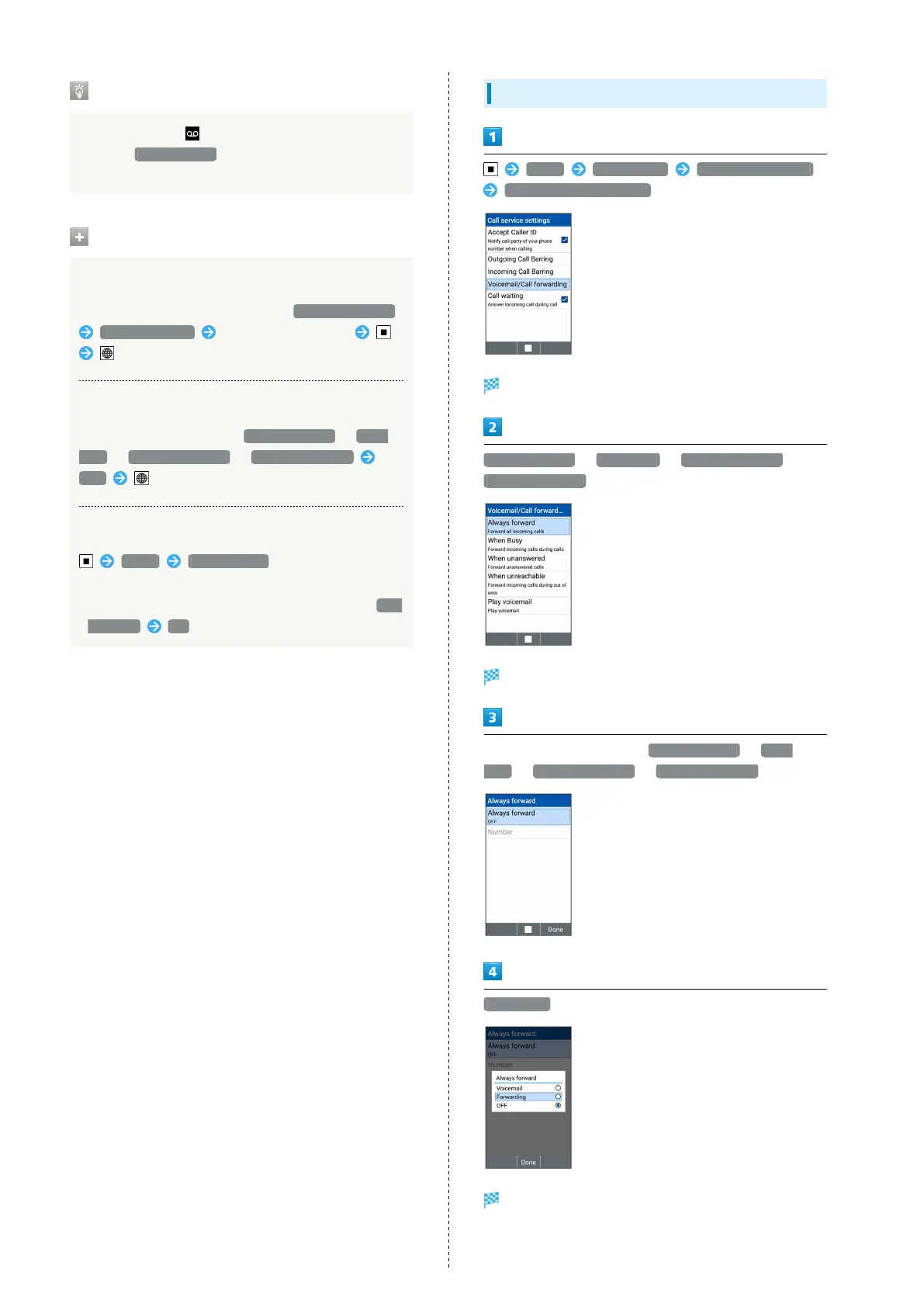
Call Forwarding
Phone Call Settings Call service settings
Voicemail/Call forwarding
Voicemail/Call forwarding window opens.
Always forward / When Busy / When unanswered /
When unreachable
Call service settings window opens.
In settings for each service, Always forward / When
Busy / When unanswered / When unreachable
Forwarding
Call Forwarding is enabled.



 To Next Page