ASE 150 Operator’s Manual
10 Doc. 065207-02 9/08
Button Function
Starts the currently selected method. The LED starts flashing
when the oven is within 1 °C of the set point, indicating it is
okay to load the sample cell into the oven. During the method
run, the LED is lighted, but does not flash. When the method
finishes running (or is aborted), three beeps are emitted and
the LED turns off. See Section 2.4
for details about methods.
Starts a rinse cycle in which about 5 mL of solvent is pumped
through the system. During the rinse cycle, the LED is
lighted. When the rinse cycle is complete (or is aborted),
three beeps are emitted and the LED turns off.
Note: Always install a rinse cell and a collection vessel
before starting a rinse cycle. See Section 3.5
for instructions.
Interrupts the currently running method or rinse cycle and
displays the
ABORT screen. Pressing the button lights the
LED. The LED turns off when you select an option on the
ABORT screen. See Section 3.4 for details.
Exits the screen currently displayed and returns to the screen
one level up in the hierarchy. For example, if the
METHOD
EDITOR
screen is displayed, pressing MENU returns you to
the
MENU screen. See Figure C-1 for an overview of the
screens.
When the cursor is in an editable field, pressing
MENU
discards any change and reverts to the previously selected
parameter.
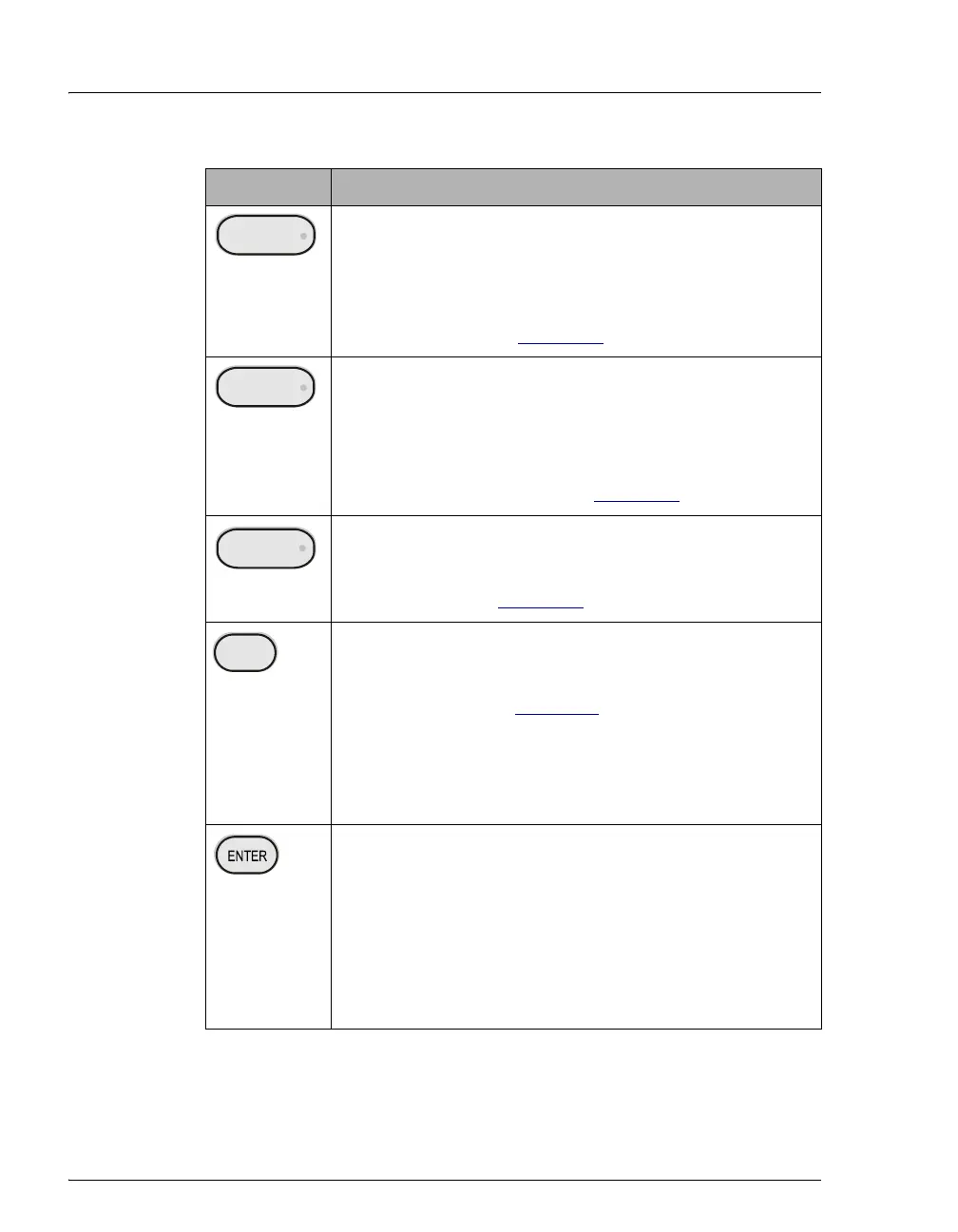
Selects the field the cursor is currently pointing to. On the
MENU or DIAGNOSTICS screen, this selects and displays a
different screen. On other screens, pressing
ENTER moves
the cursor from the left margin to the first field in that line
that can be edited; it also changes the normal cursor into the
blinking editing cursor.
When the cursor is in an editable field, pressing
ENTER saves
the parameter currently displayed in the field.
Table 2-1. ASE 150 Control Panel Button Functions
START
RINSE
STOP
MENU



 To Next Page