5•Service
Doc. 065207-02 9/08 81
If you had to pry the piston guide out of the pump head (Step 4),
install a new piston guide (P/N 066109) as described above. The
original piston guide may have been scratched during removal, so do
not use it again. A scratched guide will not seal properly.
8. Reinstall the pump head onto the pump
5.6.4 Replacing the Piston Air Seal
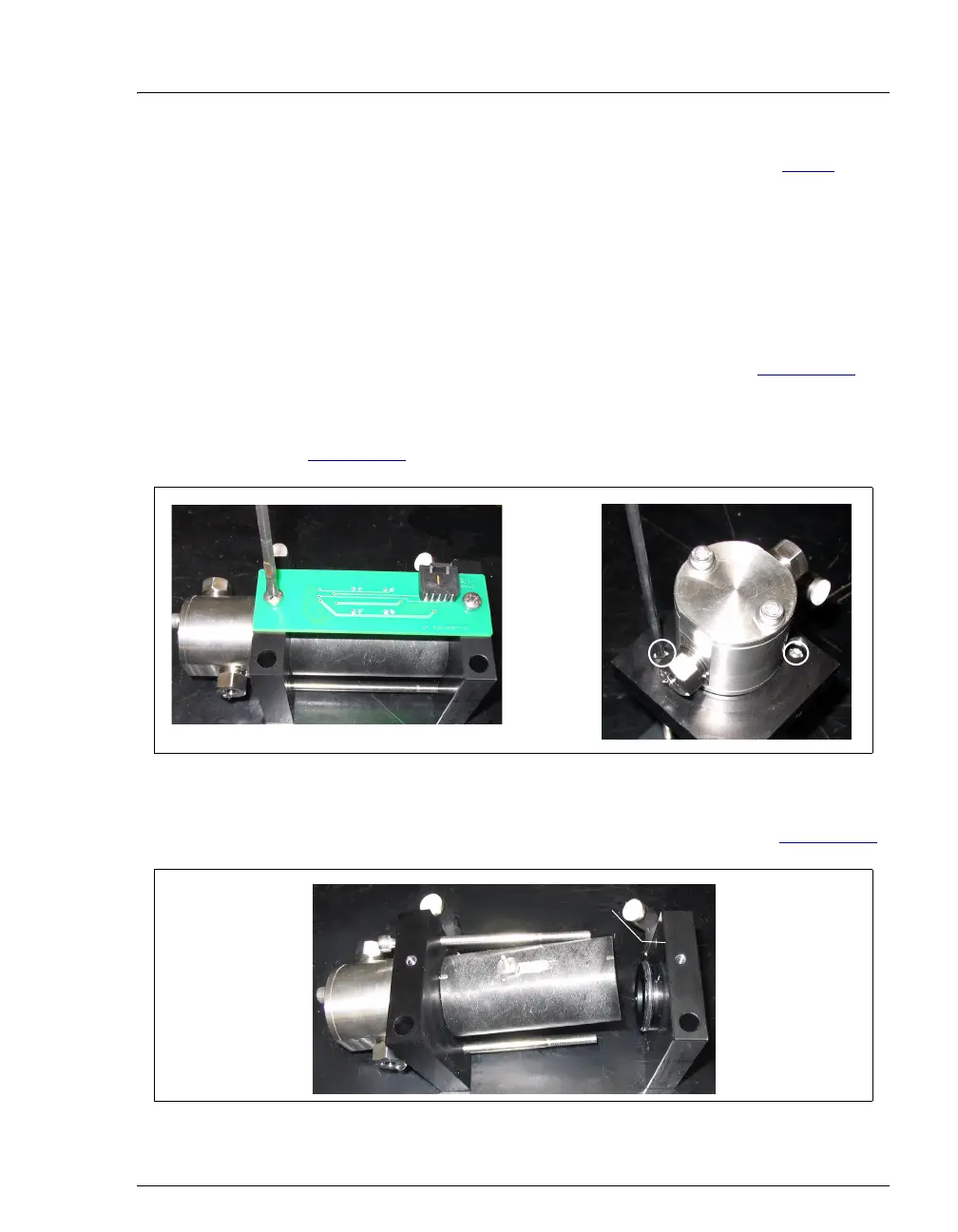
1. Remove the PC board from the side of the pump (see Figure 5-13,
view A).
2. Loosen the two bolts that hold the two end plates together (see
Figure 5-13
, view B).
3. Remove the right end plate from the pump cylinder (see Figure 5-14
).
Figure 5-13. Removing the Pump PC Board and End Plate Bolts
Figure 5-14. Removing the Pump Right End Plate
A
B
Pump End Plate
Pump Cylinder
Right End Plate



 To Next Page