ASE 150 Operator’s Manual
72 Doc. 065207-02 9/08
5.3 Replacing the Cell End Cap O-Ring
1. Locate the small flathead screwdriver (P/N 046985) and the O-ring insertion
tool (P/N/ 049660) in the ASE 150 Ship Kit (P/N 066399).
2. Insert the tip of the screwdriver into the end cap and carefully pick out the O-
ring. (This may be easier to do if you first remove the cap from the cell body
and place it flat on the workbench.)
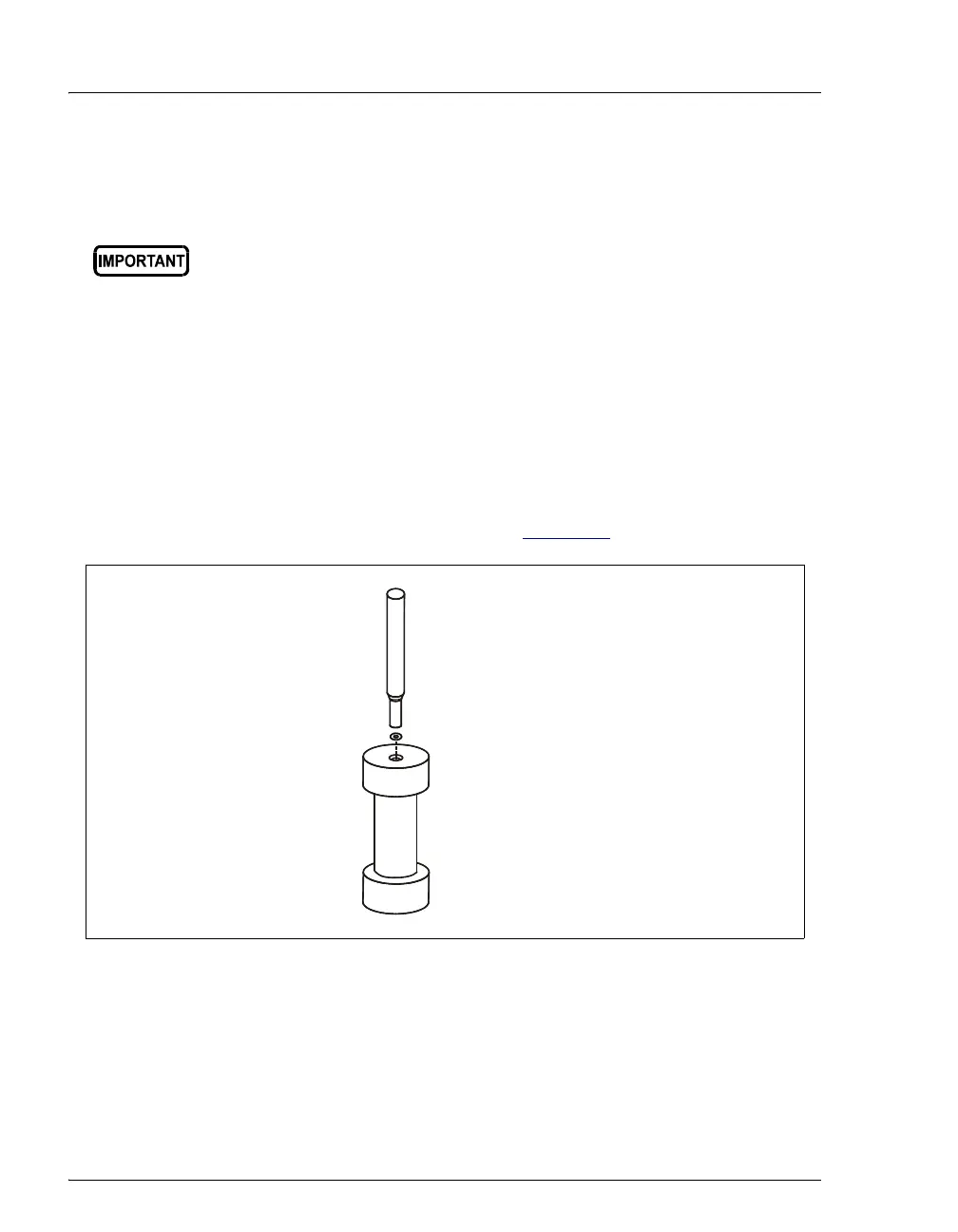
3. Place a new O-ring (Teflon, P/N 049457, pkg. of 50; Viton, P/N 056325, pkg.
of 50) over the opening in the end of the cell end cap. Press the O-ring into
place, using the O-ring insertion tool (see Figure 5-4
).
Be careful not to scratch the interior of the cell end cap when
installing or removing the cell O-ring. Scratches on the sealing
surface will prevent the O-ring from sealing properly and may result in
leaks during operation.
Figure 5-4. Installing the Cell O-Ring
O-Ring Insertion Tool
(P/N 049660)
Place O-ring in opening
and press into place
with insertion tool.



 To Next Page