ASE 150 Operator’s Manual
38 Doc. 065207-02 9/08
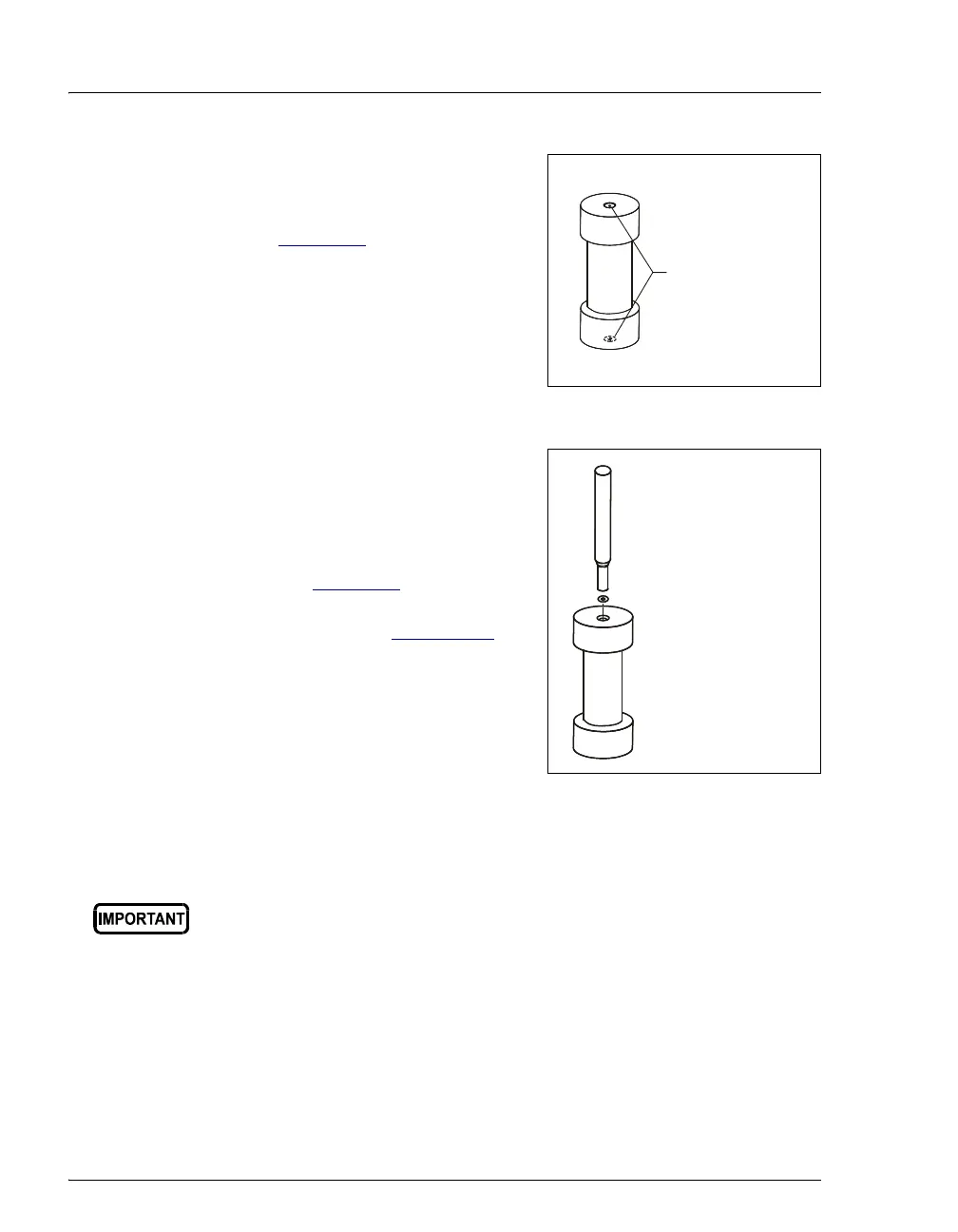
5. Check the ends of each cell end cap
to verify that the O-rings are in
place and are in good condition
(see Figure 3-7
).
• If an O-ring is dislodged, press
it into place, using the O-ring
insertion tool (P/N 049660),
provided in the ASE 150 Ship
Kit (P/N 066399).
Figure 3-7. Inspecting Cell O-Rings
• If an O-ring is missing, place a
new O-ring over the opening in
the end of the cell end cap.
Press the O-ring into place,
using the O-ring insertion tool
(see Figure 3-8
). For
information about ordering O-
rings, refer to Appendix D
.
• If any O-ring has a hole size of
less than 0.5 mm, replace it. If
a white Teflon O-ring is
discolored, replace it (see the
following instructions).
Figure 3-8. Installing a Cell End Cap O-Ring
To replace a cell end cap O-ring:
1. Locate the small flathead screwdriver (P/N 046985) in the ASE 150
Ship Kit (P/N 066399).
2. Insert the tip of the screwdriver into the end cap and carefully pick out
the O-ring. (This may be easier to do if you first remove the cap from
the cell body and place it flat on the workbench.)
Be careful not to scratch the interior of the cell end cap when
installing or removing the cell O-ring. Scratches on the sealing
surface will prevent the O-ring from sealing properly and may result in
leaks during operation.
Verify that O-ring
are installed and
in good condition
O-Ring Insertion Tool
(P/N 049660)
Place O-ring in opening
and press into place
with insertion tool.



 To Next Page