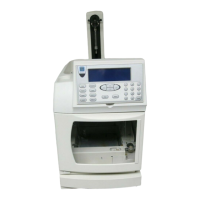
ICS-1000 Ion Chromatography System
2-16 Doc. 031879-01 3/03
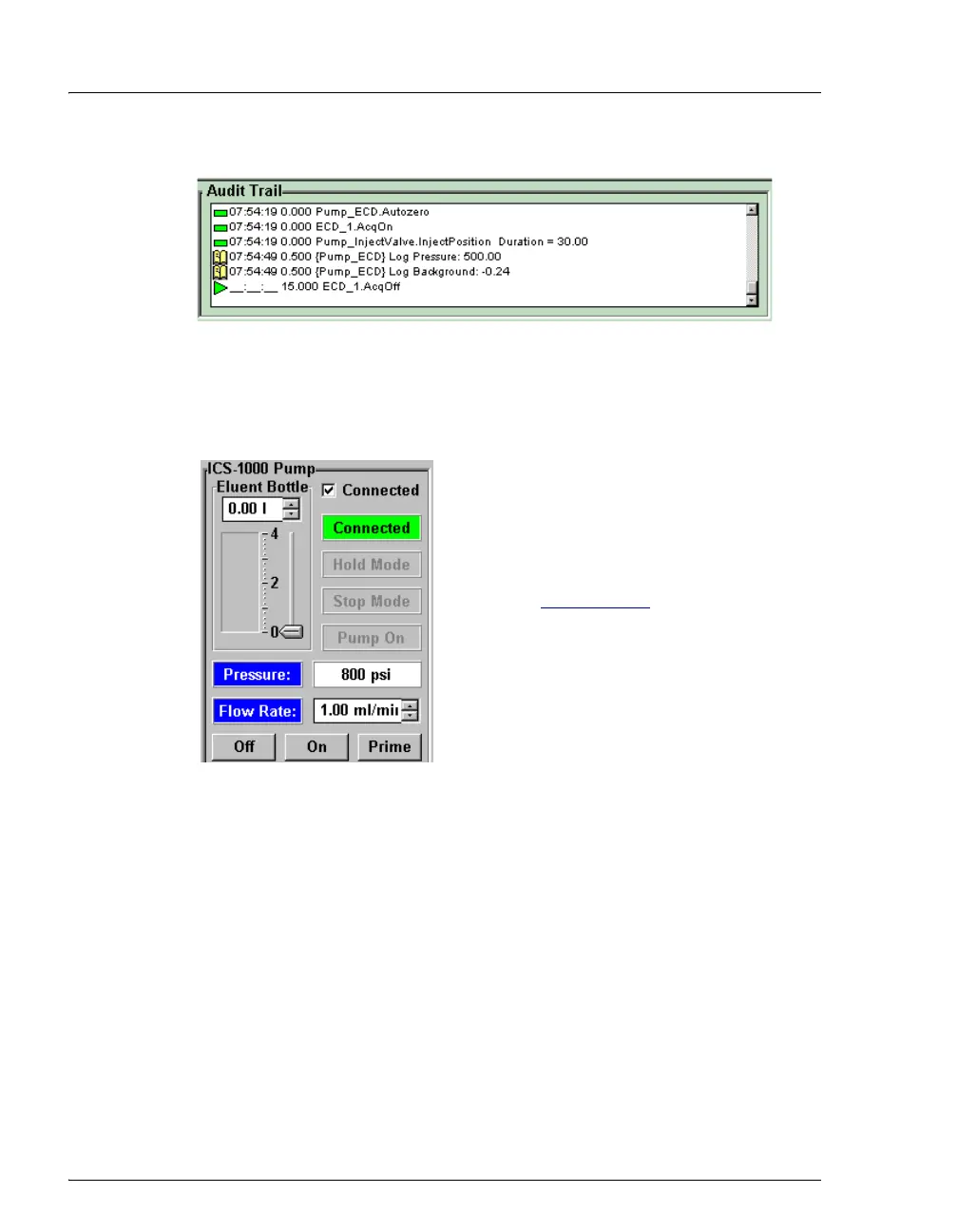
Audit Trail
The Audit Trail displays an account of every event that occurs during
ICS-1000 operation. This includes errors, status messages, operational
events, etc.
Pump
Eluent Bottle
The entry field and gauge indicate the level
of liquid (in liters) in the eluent bottle. This
is a user controlled feature. The level must
be entered by the user when the reservoir is
filled. See Section 3.4.4
for details.
Connected
Connects the ICS-1000 to the Chromeleon
Control Panel, enabling communication
between the PC and the module. Clearing
the check box disconnects the ICS-1000
from the PC.
Hold Mode
Indicates when an automatic (batch) run is on hold; pump flow is not
stopped.
Stop Mode
Indicates when an automatic (batch) run is stopped; pump flow is also
stopped.
Flow Rate
Sets the pump flow rate in mL/min.
Pressure
The sliders select the upper and lower pressure limits. The Pressure field
displays the current pressure.
On, Off, Prime
Turn the pump on and off or start the pump priming function.


 To Next Page